Real conversation
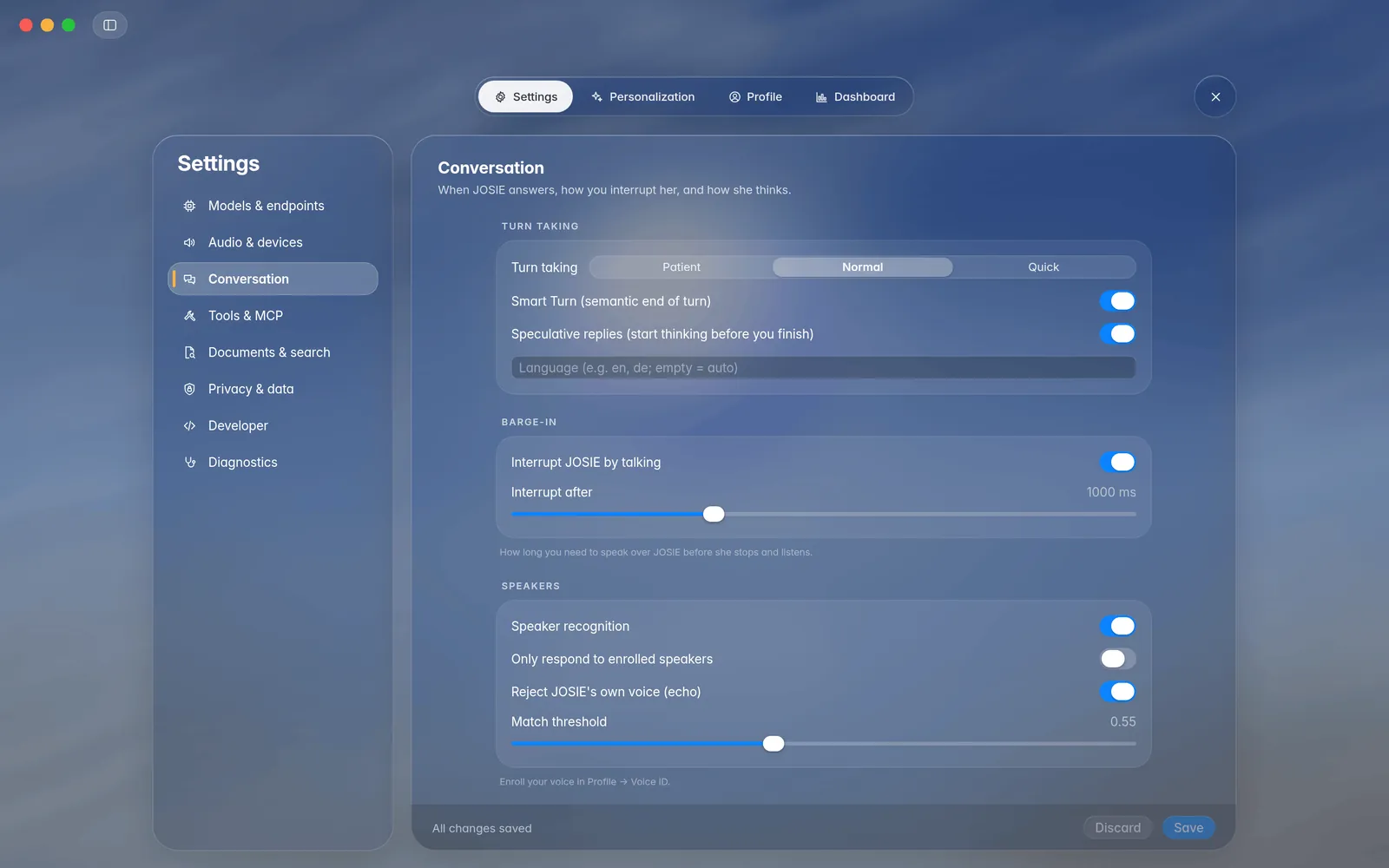
Knows when you've finished talking. Interrupt Josie just by speaking.
 JOSIE-Voice
Download
JOSIE-Voice
Download
A little more human. A lot more personal.
Meet JOSIE. A voice assistant that feels like a conversation. Speak naturally, think out loud, and let the little things take care of themselves.
Free to use · Apple Silicon · macOS 14+
“Remind me to slow down at seven.”
Consider it done.01 · Two ways to use it
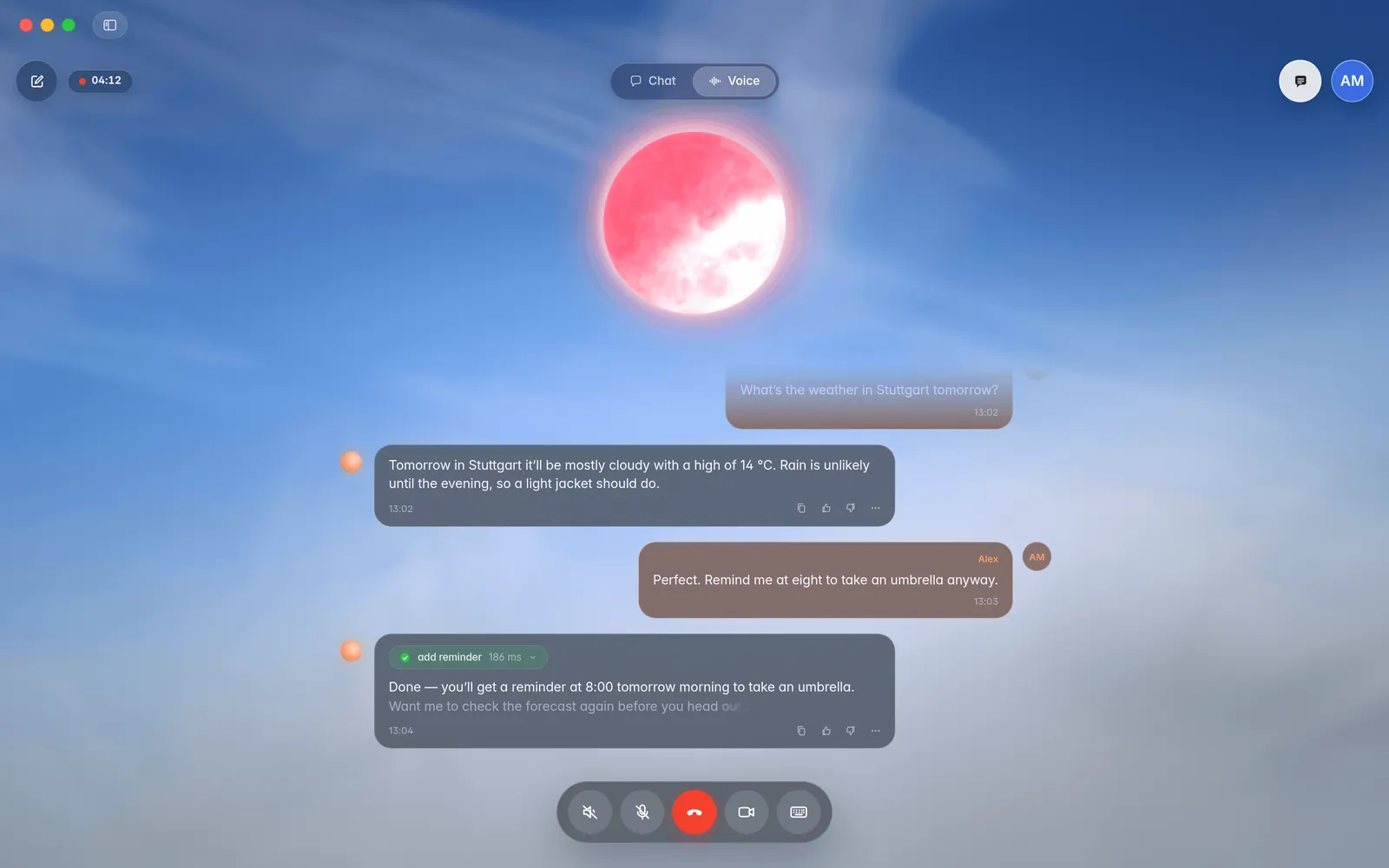
Switch between Voice and Chat with one tap. It's the same conversation either way: start a call, hang up, keep typing, and JOSIE remembers it all.
THE REAL THING
A real JOSIE-Voice session on a MacBook Pro M4 Pro. Watch a conversation turn into action, with more than 100 tool calls along the way.
Qwen-3 0.6B TTS / ASR · 4-bit
DeepSeek 4.1 Flash via Ollama Cloud
Clips and screenshots marked "mockup" are rendered from the app's source with demo content, not screen recordings. See every screen ↓
02 · Gets things done
JOSIE works with the Apple apps you already use. Ask out loud and it really happens: the reminder is in Reminders, the event is in your calendar, the message is waiting in Messages.
Remind me to bring a jacket at 7:30.
Added to Reminders, with the time set.
What's on tomorrow? Put lunch with Sam on Friday at noon.
Reads your day and adds the event.
Find a pharmacy near me that's still open.
Looks up places and directions in Maps.
Text Alex that I'm running ten minutes late.
Writes the draft in Messages. You tap Send.
03 · Features
Knows when you've finished talking. Interrupt Josie just by speaking.
Learns you from three short phrases and tells people apart.
Pick a preset, clone a voice from a short recording, or describe a new one in words.
Hearing, voice recognition and speech run on your Mac. Choose a local language model or connect your preferred provider.
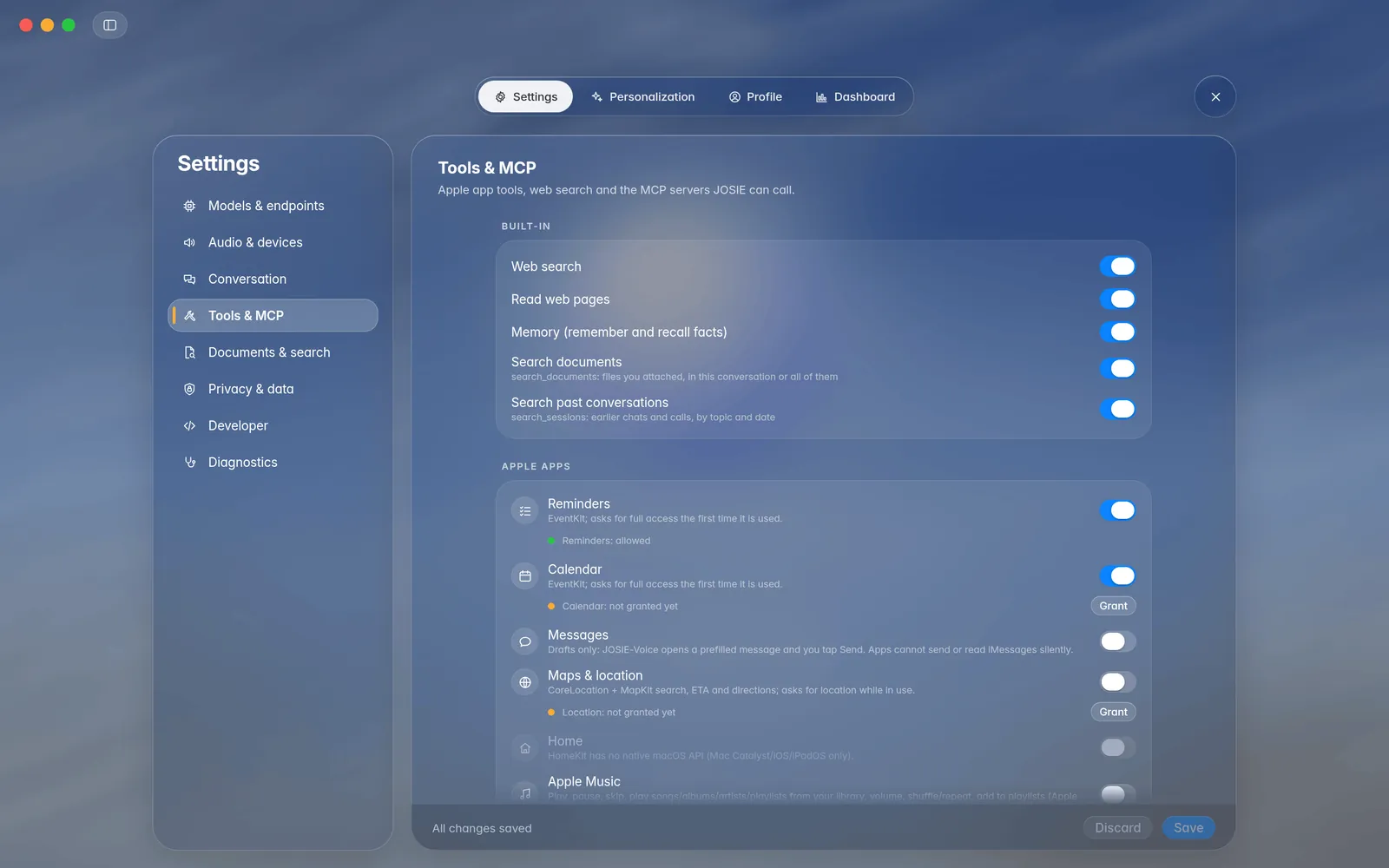
Adds reminders and events, finds places in Maps and drafts Messages (you tap Send). Each is off until you turn it on.
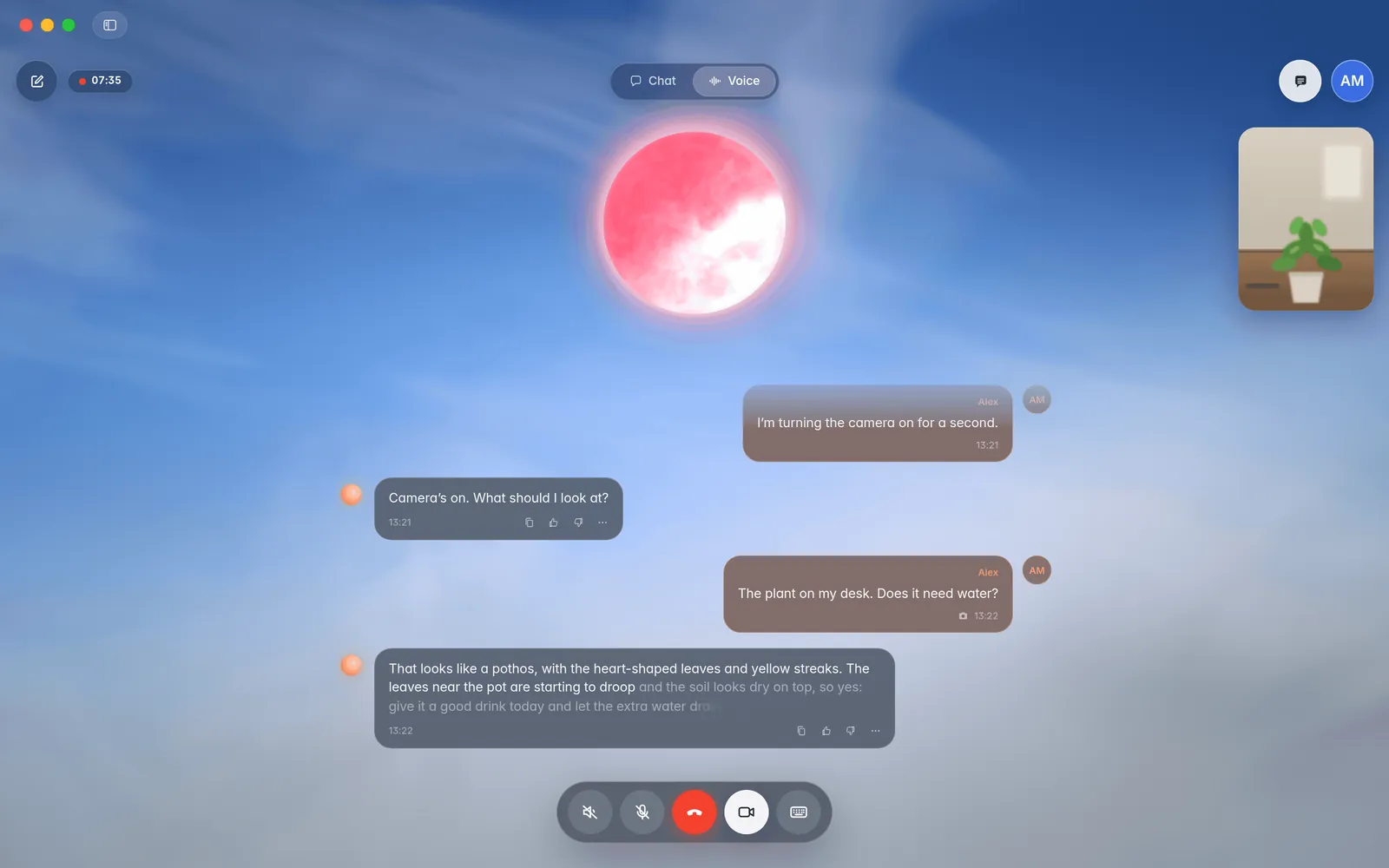
Turn on the camera and ask about what it sees. Needs an image-capable model.
Volume follows background noise, with echo cancellation.
The background follows the real time of day, under Apple's Liquid Glass design.
Talk to JOSIE, JARVIS, HAL 9000 or a character you write, each with its own prompt, voice and orb colour.
In the iPhone preview, pick your Mac as the provider, at home or over Tailscale. The call runs on your Mac, and you can show Josie a photo.
Speech recognition with Qwen3-ASR, NVIDIA Parakeet, Voxtral Realtime or Apple’s on-device recognizer. All on your Mac.
Write separate instructions for Chat and Voice. Muted in a call? Typed messages still get a text reply.
04 · Under the hood
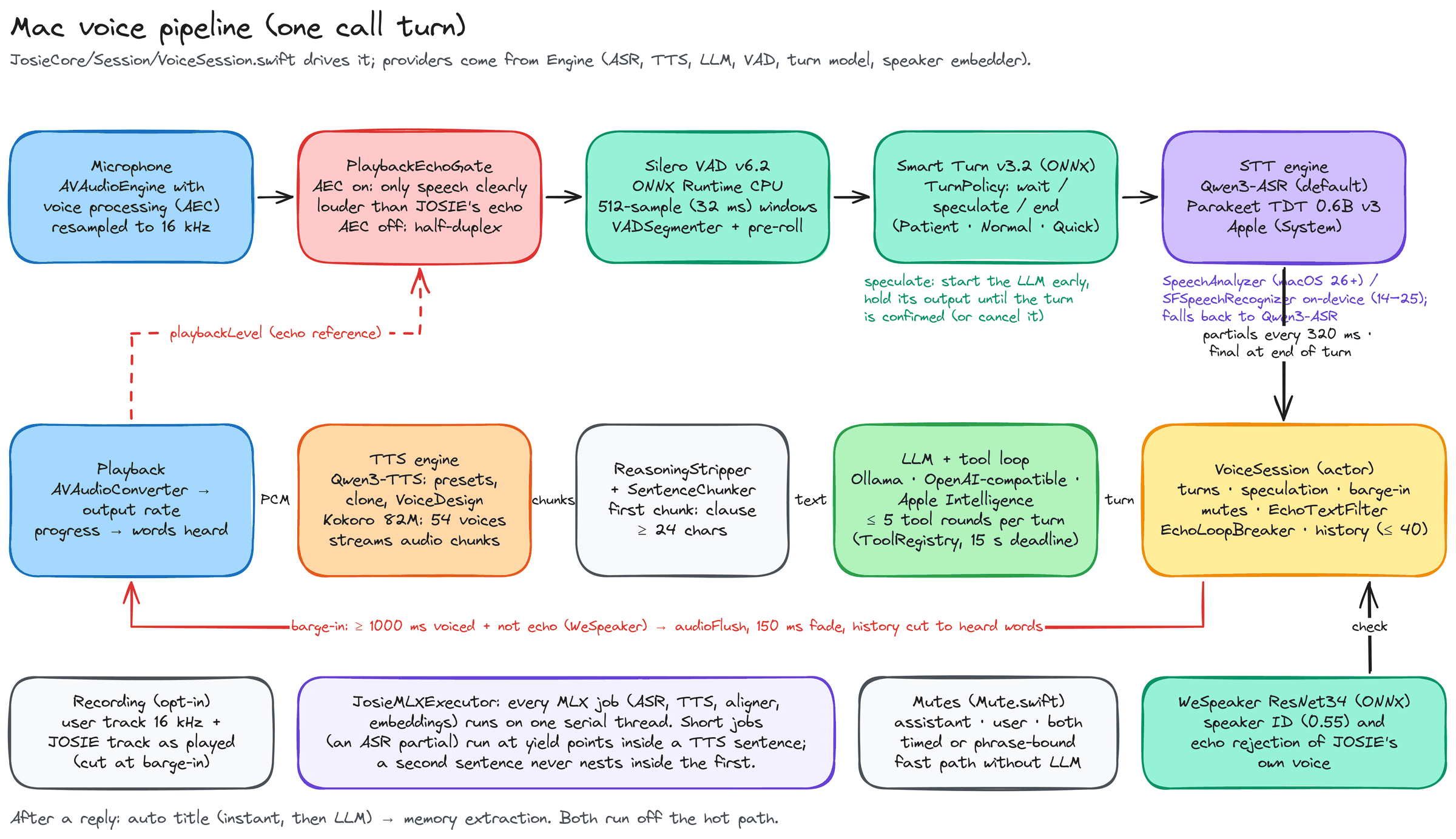
A few carefully connected stages make a conversation feel natural. Here’s how the Mac listens, works out what comes next, and speaks back.
Echo handling separates playback from your voice. Voice activity and turn detection decide when to listen, then speech recognition turns audio into text.
Your chosen language model answers, retrieves context, or uses enabled tools. Agent mode can take several steps before returning a reply.
Text is split into speakable chunks and synthesized into audio. When you interrupt, JOSIE can stop playback and keep the conversation in step.
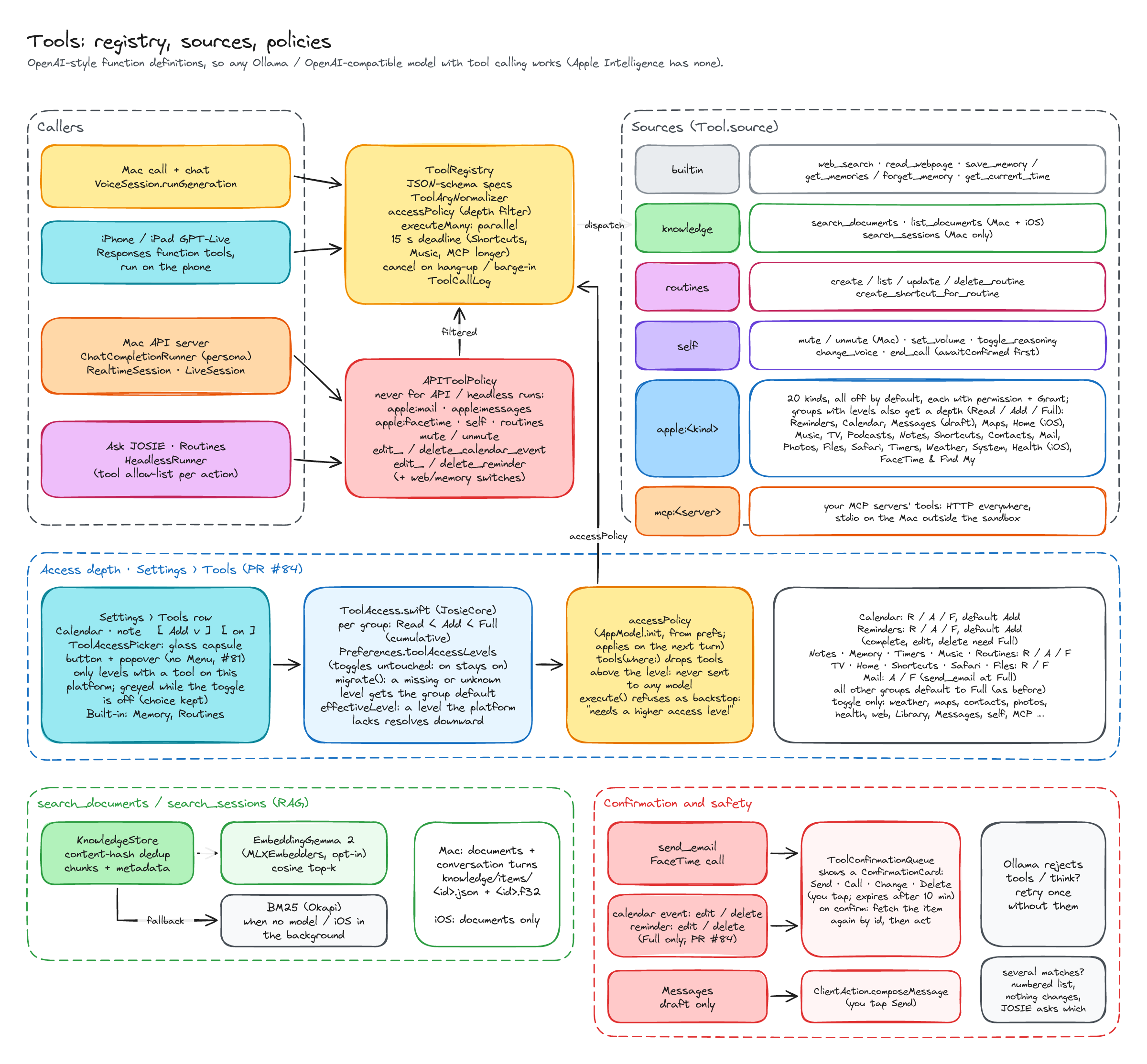
The tool registry connects the model to built-in tools, documents, Apple apps and MCP servers. Your enabled tools and access depths determine what is available; actions that require confirmation wait for your tap.
In the iPhone and iPad preview, your Mac can act as the voice provider. Audio travels to its pipeline and the reply streams back, with tool calls and interruption events kept in the same session.
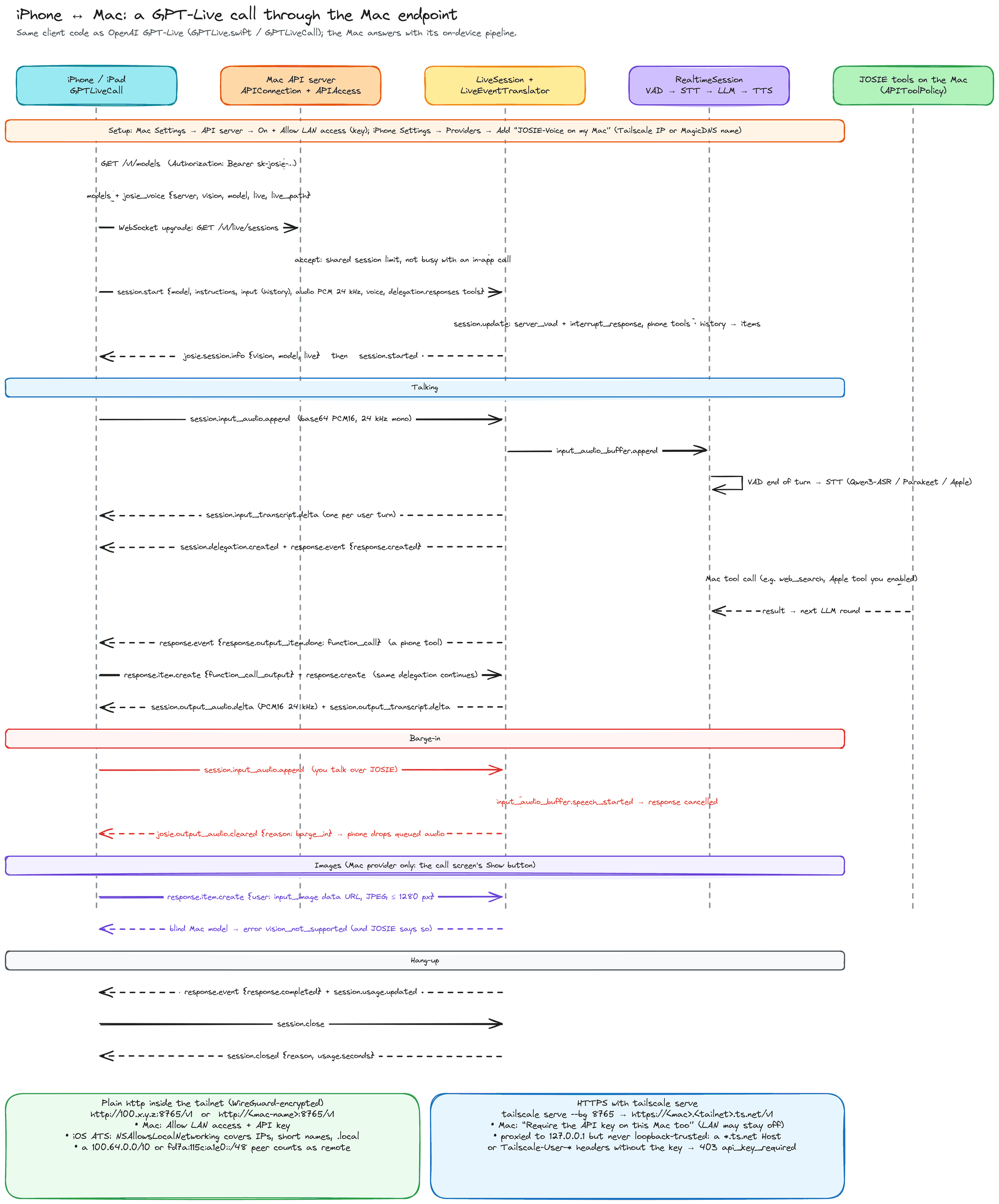
Original Excalidraw architecture sketches. Model examples and limits reflect the diagram revision; available engines and Agent mode settings are covered below.
05 · Make it yours
Choose what powers JOSIE, what it can access, and how it works with you.
01 / THE BRAIN
Keep the language model on your Mac with Ollama, connect an OpenAI-compatible service, or choose Apple Intelligence. Set the endpoint and model that fit the way you work.
Choose an address and model, including a custom model ID. Image understanding depends on the model you select.
Set Full or Light prompts separately for Voice and Chat, with reasoning controls where the backend supports them.
Choose voices from Qwen3-TTS, Kokoro, Pocket TTS and more; recognition from Qwen3-ASR, Parakeet, Voxtral Realtime or Apple. Set supported sizes and 4-, 6- or 8-bit precisions on your Mac.
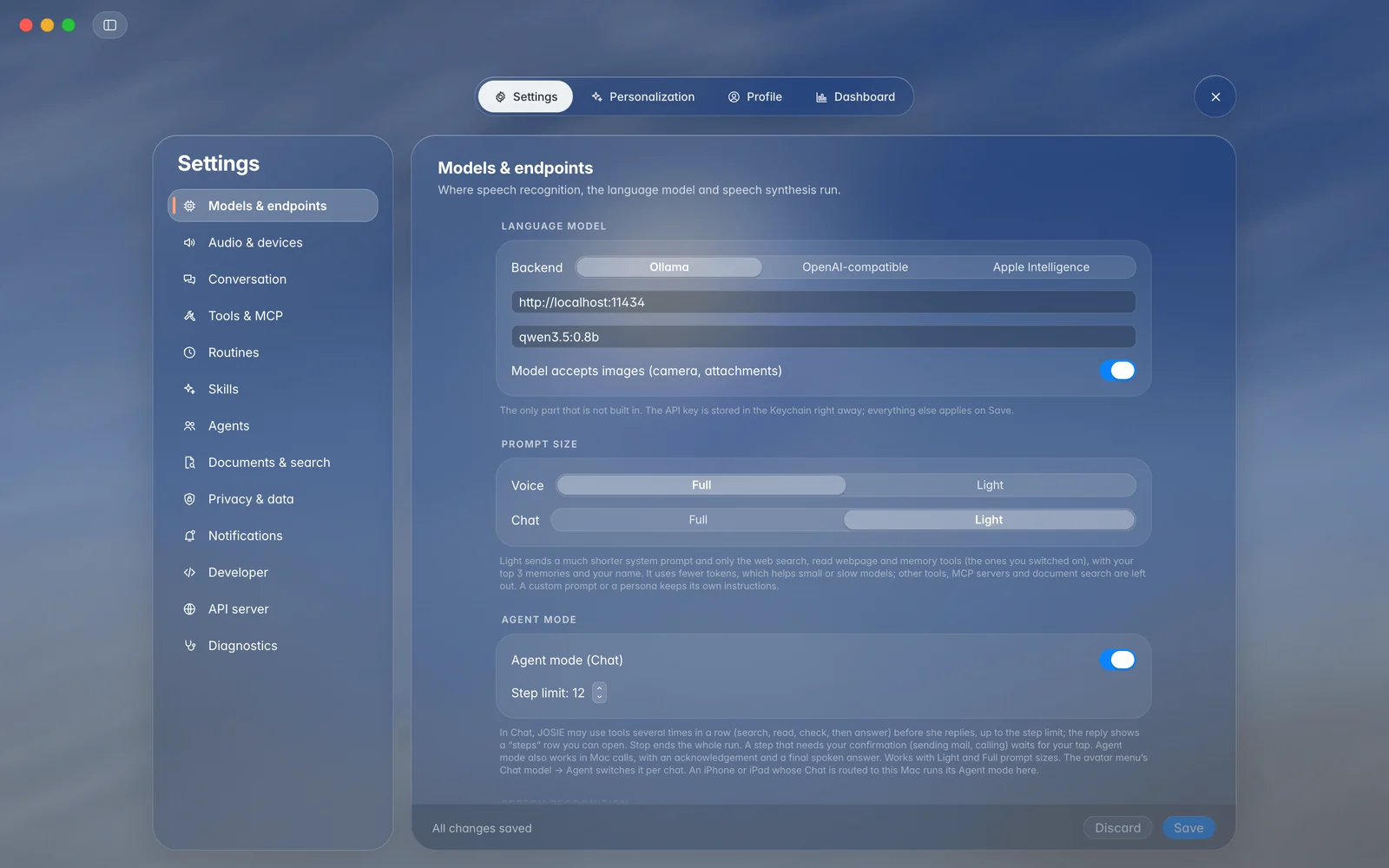
Tools require a tool-calling model. Apple Intelligence does not support dynamic tools.
02 / THE CONNECTIONS
Connect the Apple apps you use, turn on web search, and add MCP servers for tools beyond the built-in collection.
Enable tool groups individually. Apple app integrations start off until you choose to enable them.
Use Read, Add or Full where supported: from looking things up to creating, editing or deleting.
Bring additional tools into JOSIE through your configured MCP servers. Specialist agents can use a narrower selection.
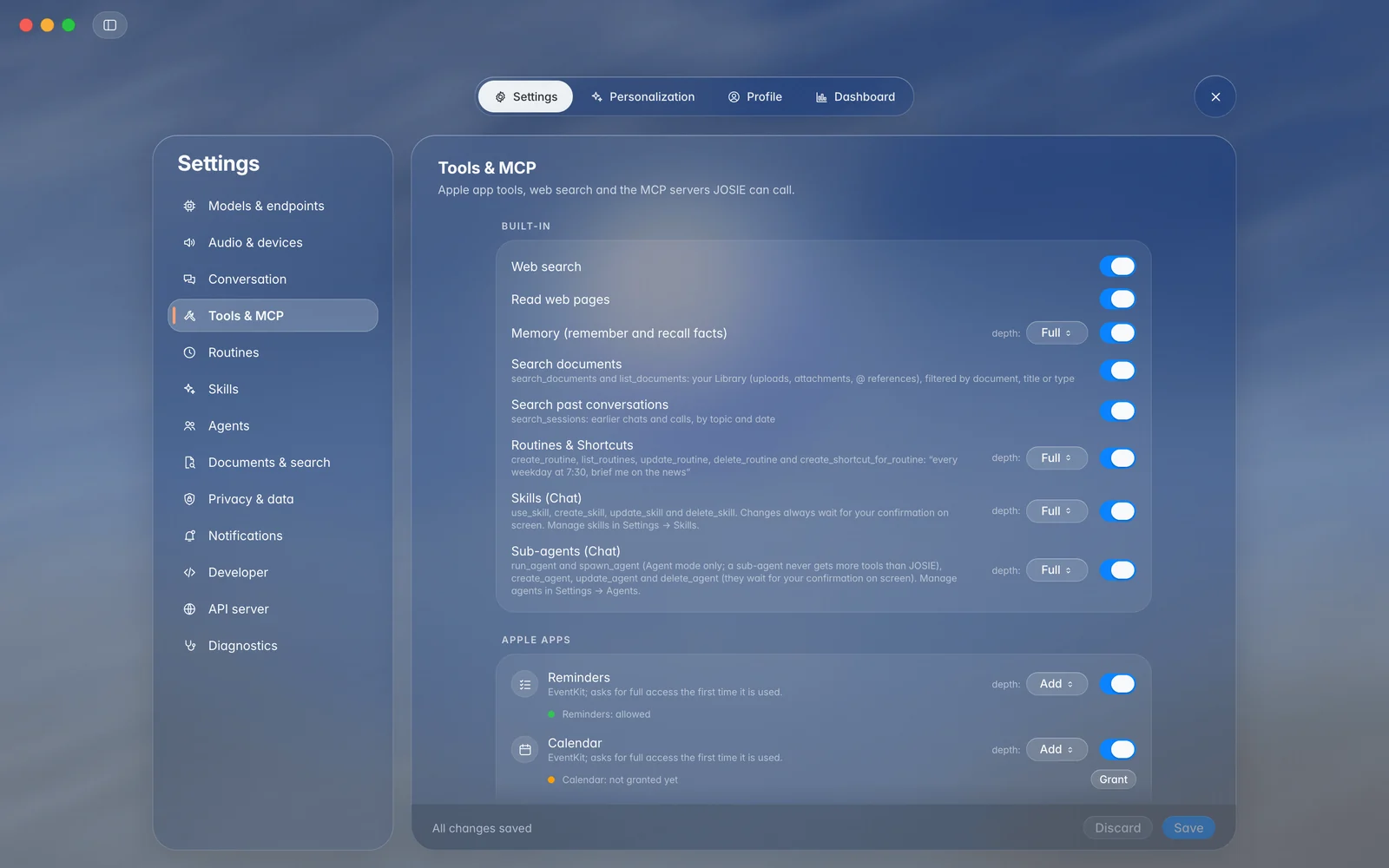
Actions such as sending mail or editing calendar entries pause for an on-screen confirmation.
03 / THE CONTEXT
Let JOSIE remember useful facts, find something in an earlier conversation, or pull the right passage from your documents.
Control the Memory tool and its access depth. Ask JOSIE to remember a fact, recall it later, or forget it.
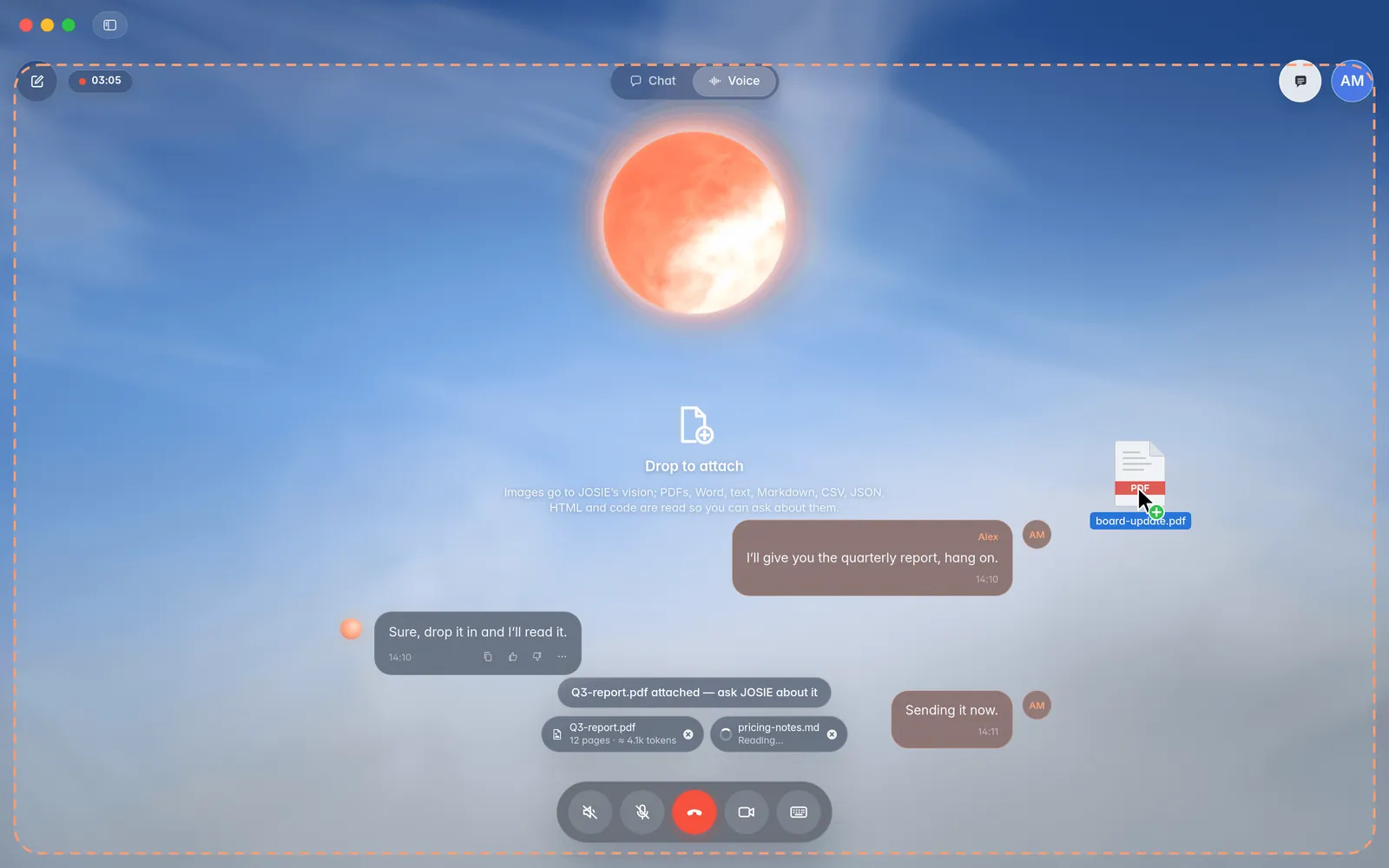
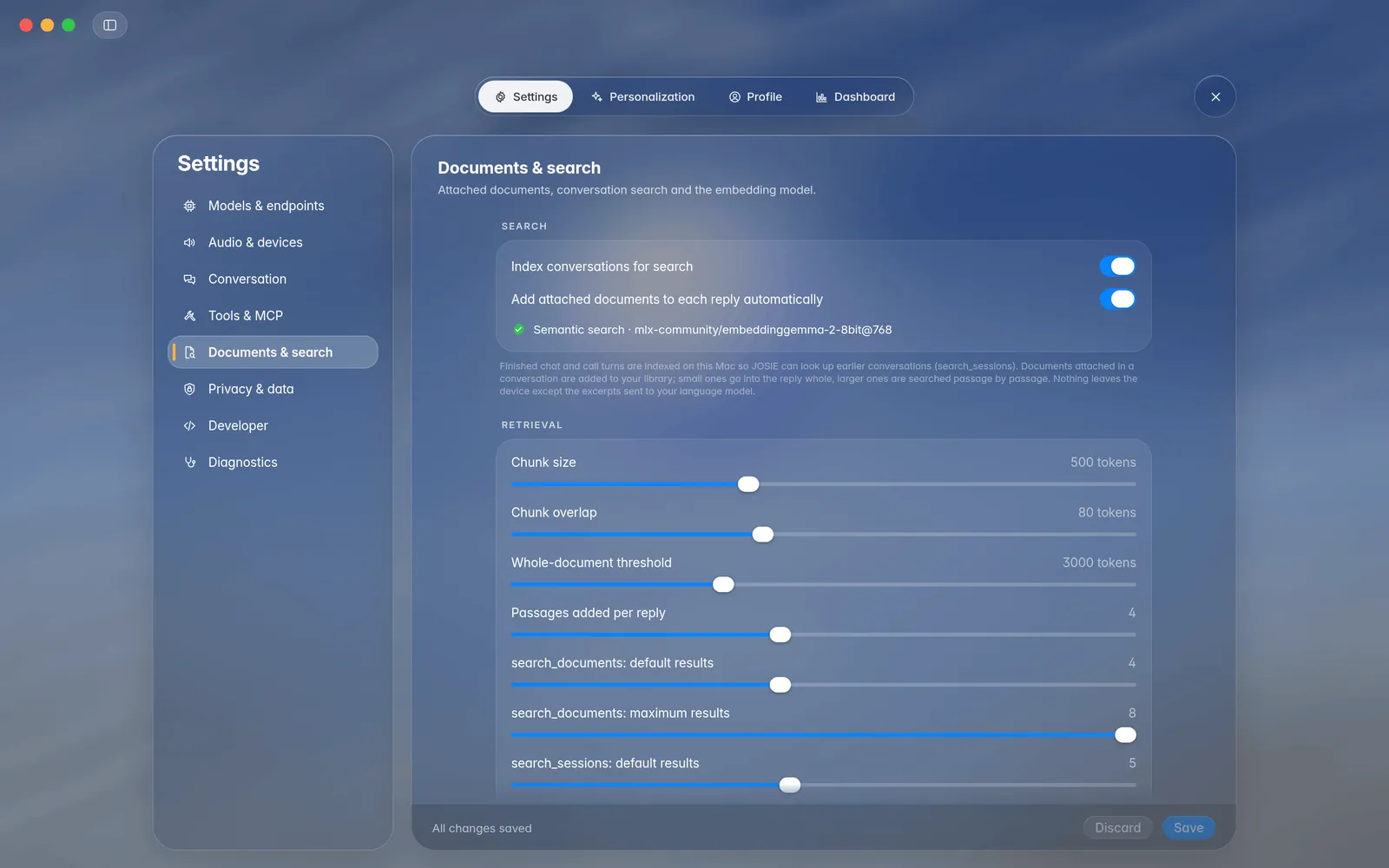
Enable document search and past-conversation search independently, with optional automatic context retrieval.
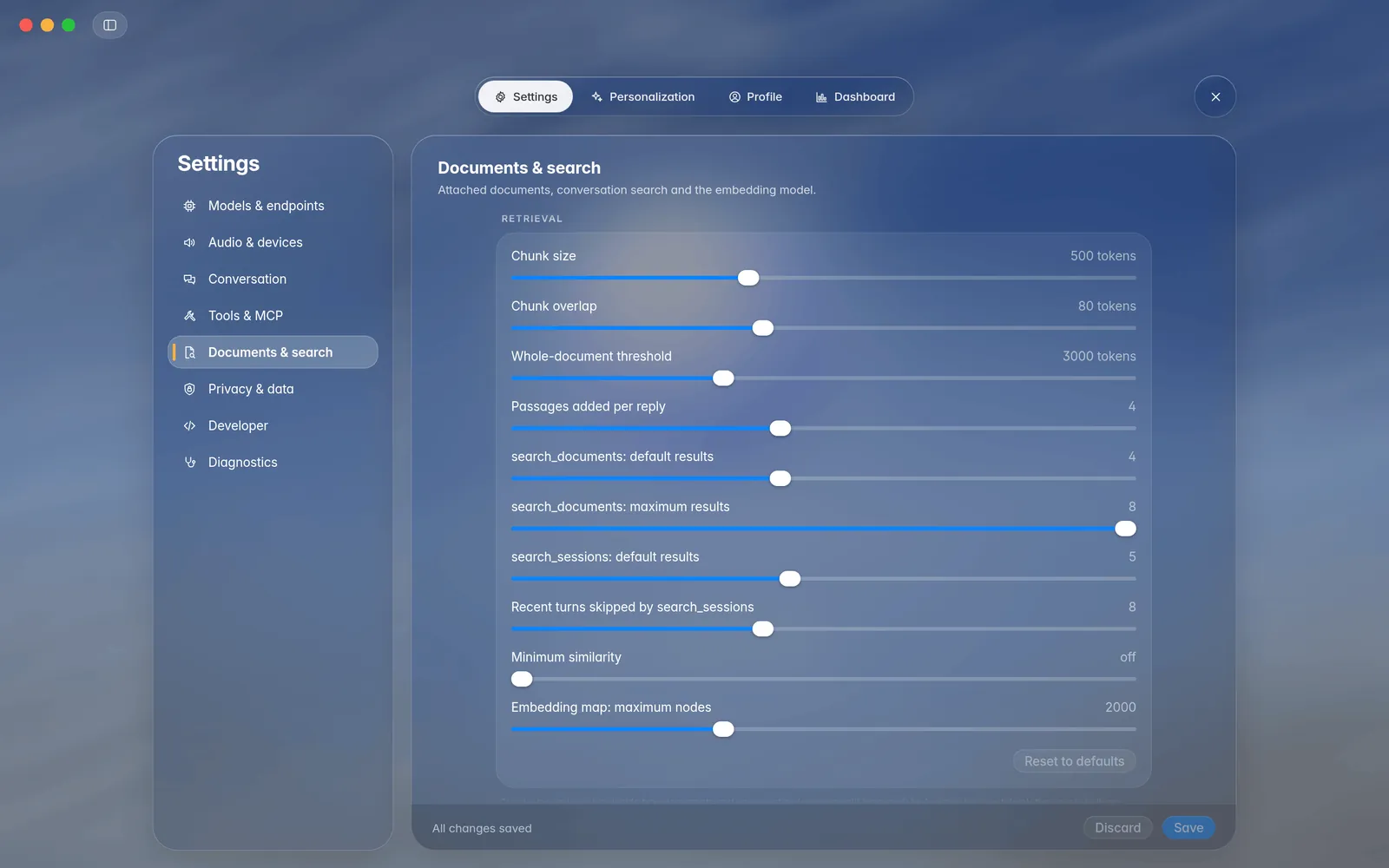
Adjust chunk size, overlap, passage counts, recent turns and similarity thresholds in Documents & search.
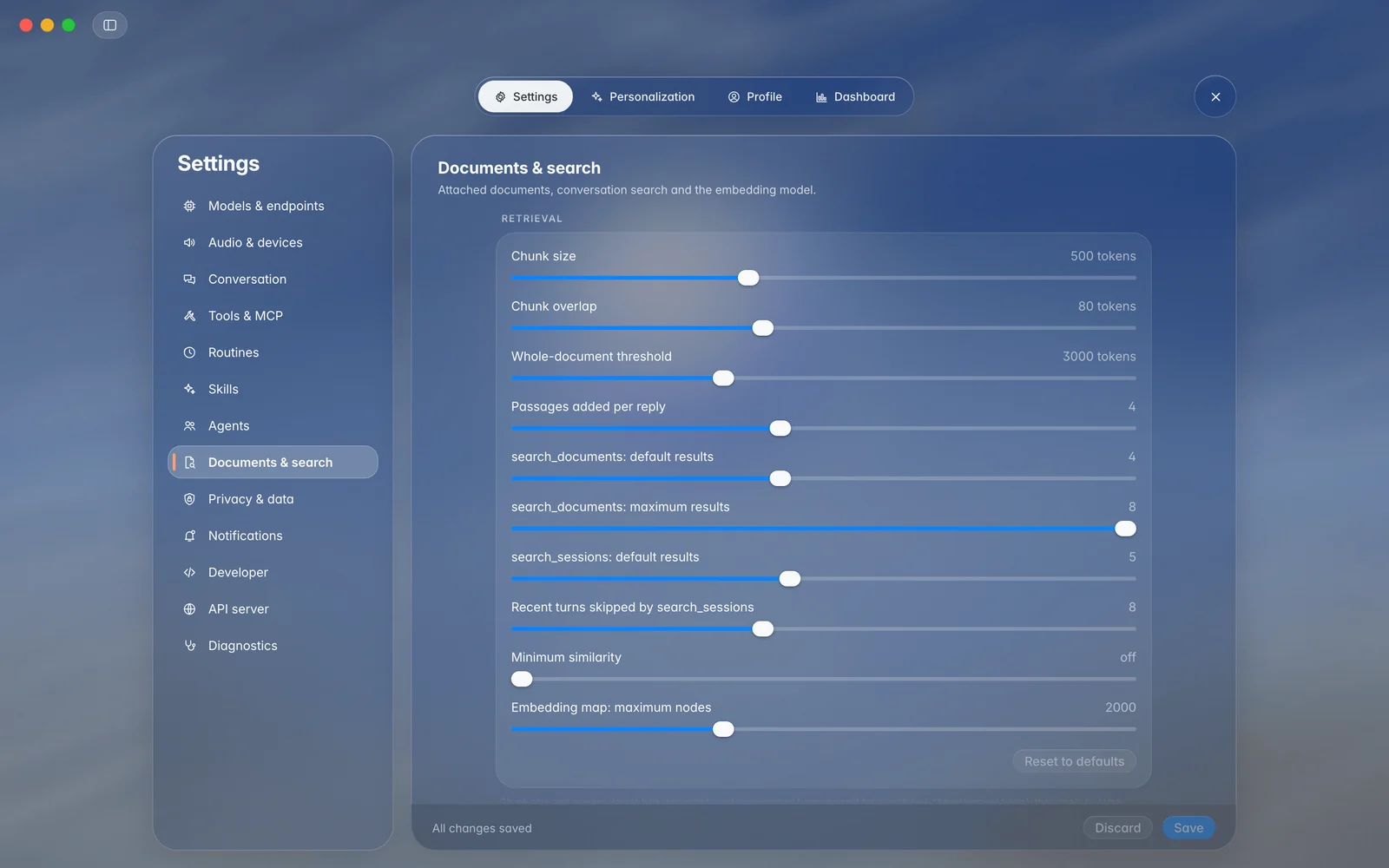
Local storage does not mean every model is local: retrieved context can be sent to your chosen model provider.
04 / THE TEAM
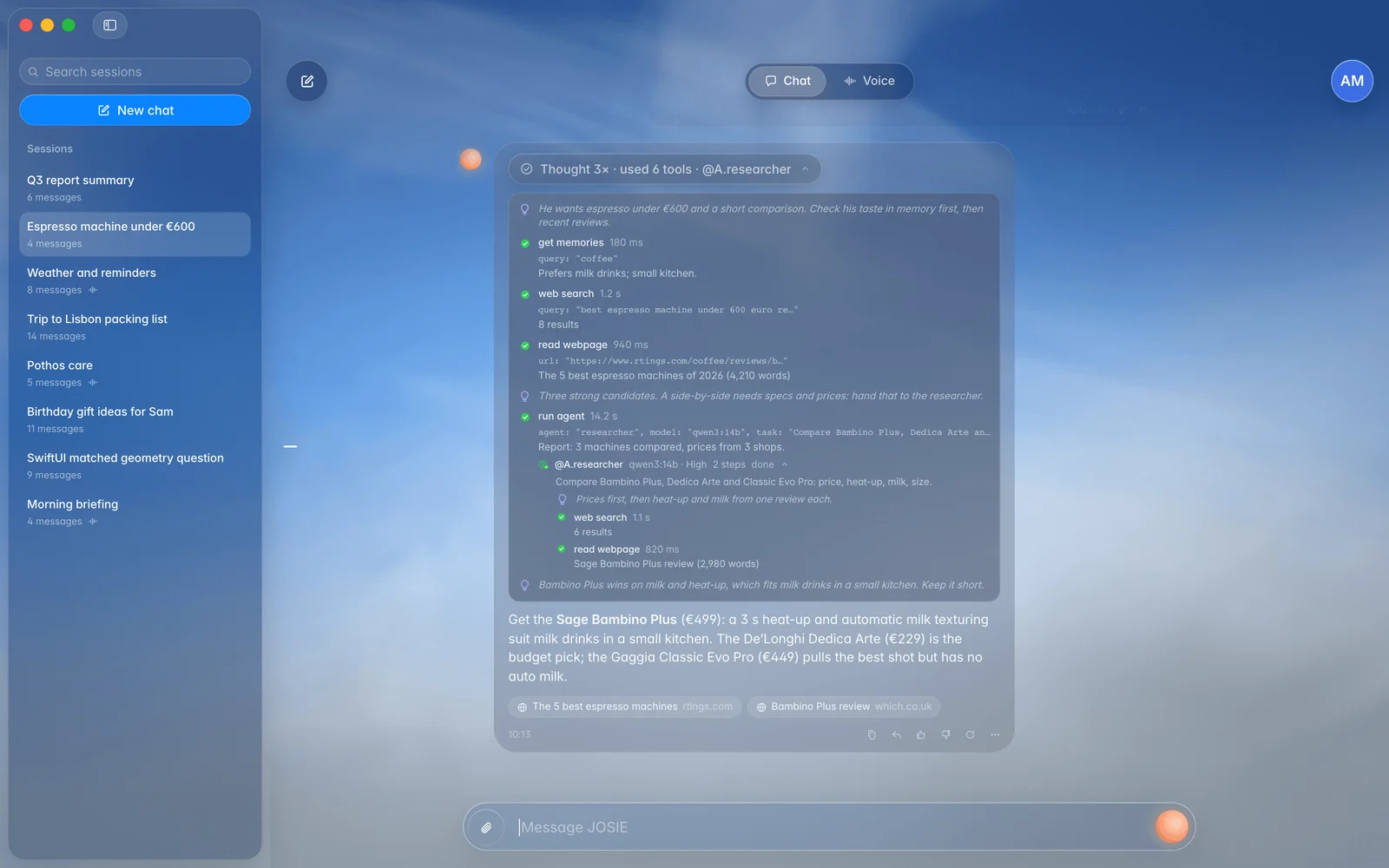
Turn on Agent mode for work that takes several steps. JOSIE can search, read, check and hand a focused task to a specialist before answering.
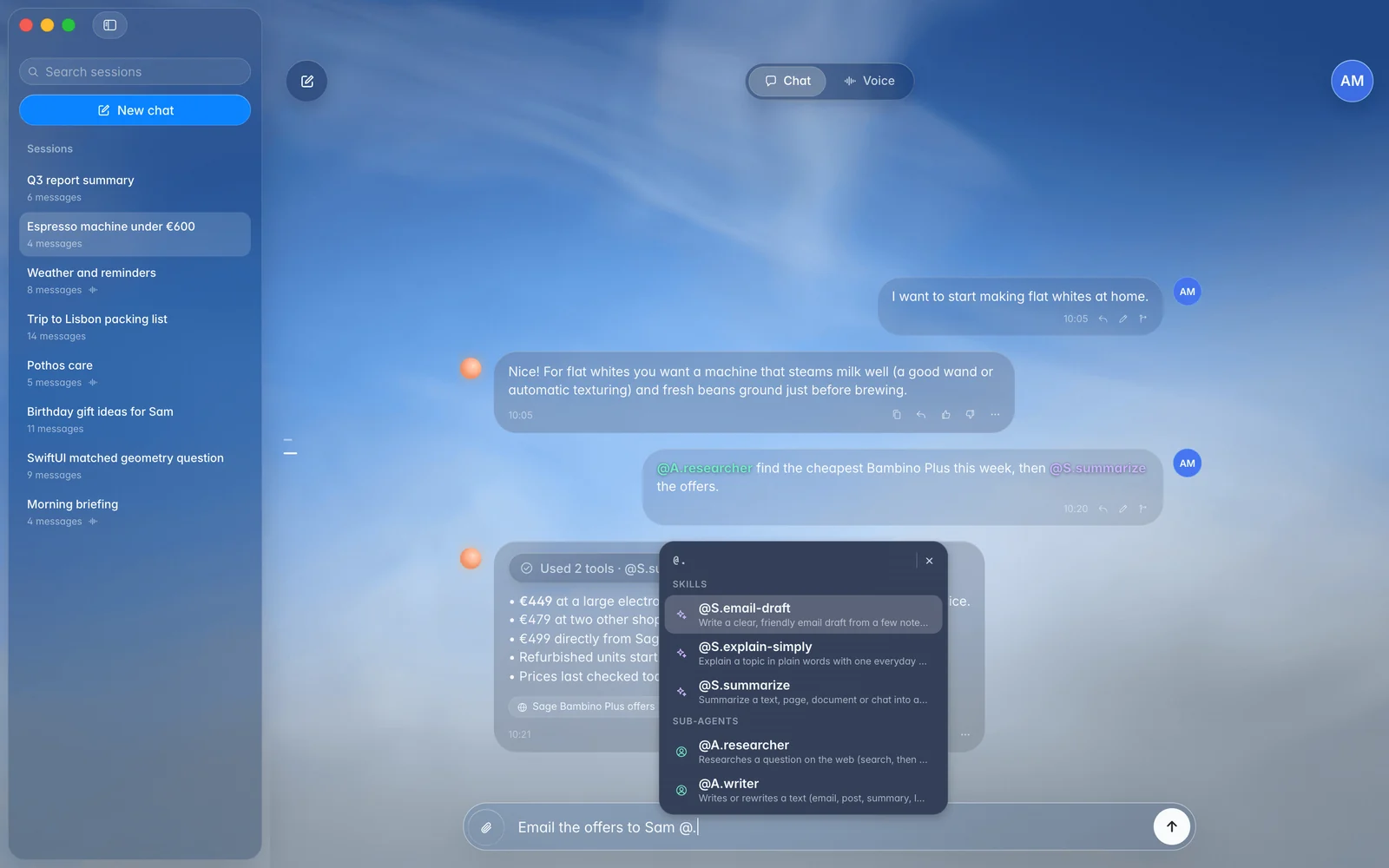
Give each agent instructions, allowed tools, MCP servers, skills and a step limit. Call one in with @A.name.
Build a pool of up to four backend models with capability notes and supported reasoning depths. JOSIE picks per task.
On the Mac, optional background helpers can continue working while you chat and deliver their reports when done.
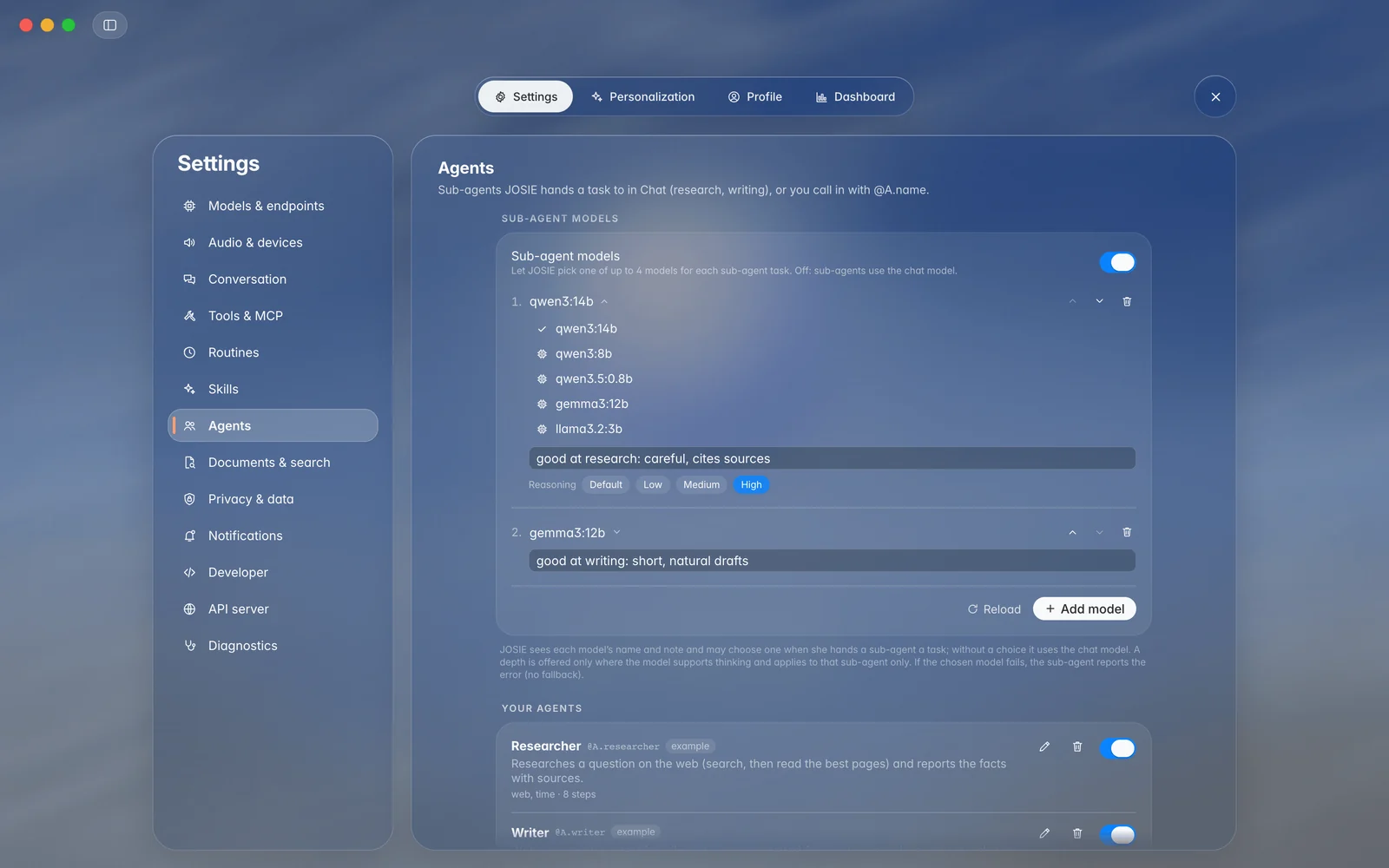
Agent mode and sub-agents are opt-in. Each helper’s tools stay within the access you gave JOSIE.
05 / THE WAY IT WORKS
Turn a useful set of instructions into a reusable skill. Keep your preferred writing style, meeting format or explanation approach close at hand.
Add and manage skills in Settings, or edit their Markdown files. Enable only the skills you want JOSIE to use.
Type @S.name to attach a skill to a message. The @. picker helps you find both skills and specialist agents.
Choose a persona or write custom instructions, with a voice and orb colour to match. Voice and Chat can have different prompts.
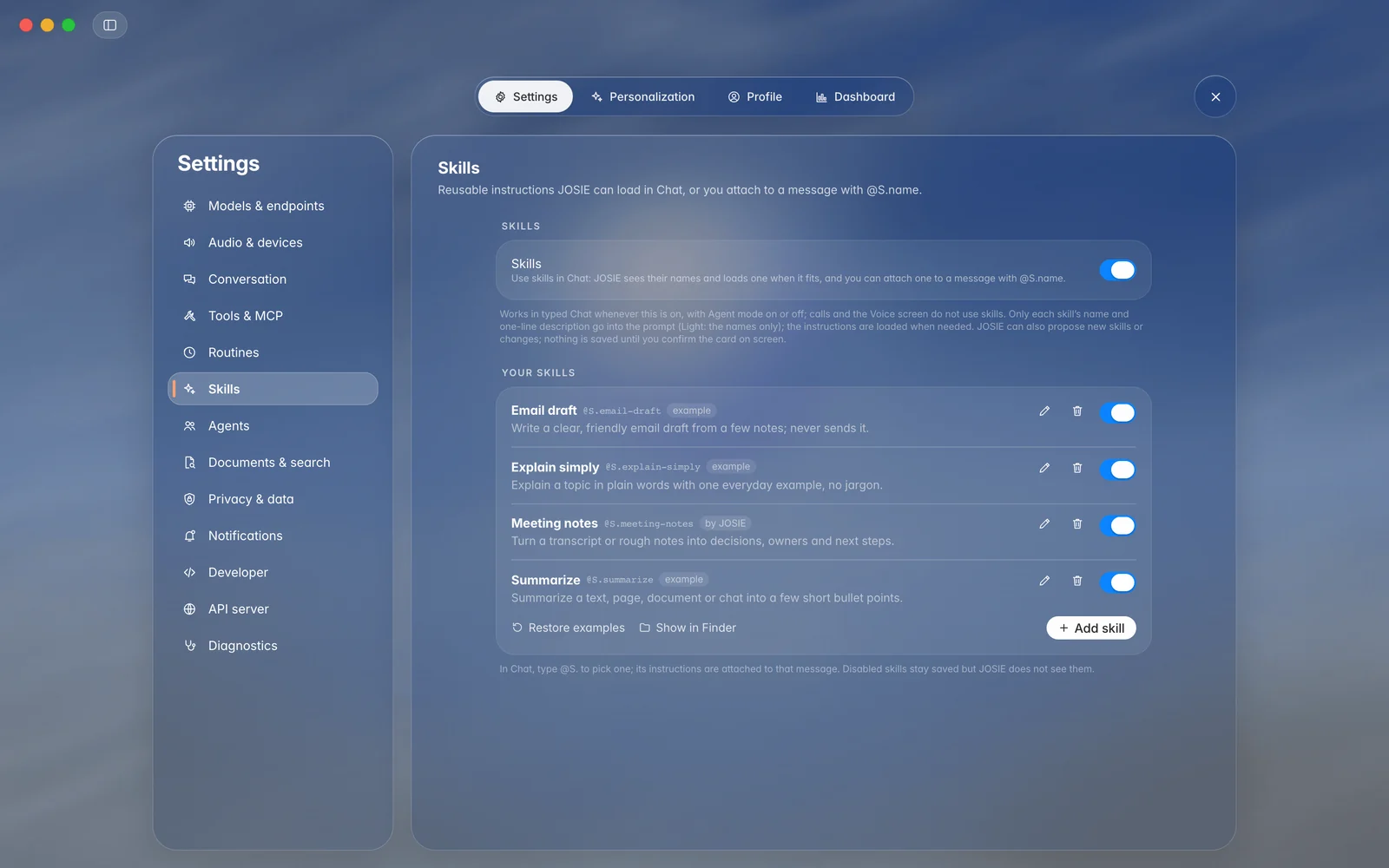
Skills load on demand. Proposed skill or agent edits are saved only after you confirm them.
06 / BEYOND THE WINDOW
Turn on JOSIE’s optional OpenAI-compatible server to use the Mac’s configured pipeline from other apps, scripts, or the iPhone and iPad preview.
Endpoints cover chat completions, speech recognition, speech synthesis, embeddings and realtime sessions.
The server starts off and binds to localhost when enabled. LAN access and API keys are controlled in Settings.
Add your Mac as a provider on iPhone or iPad over your network or Tailscale. The Mac hosts the models and agent features.
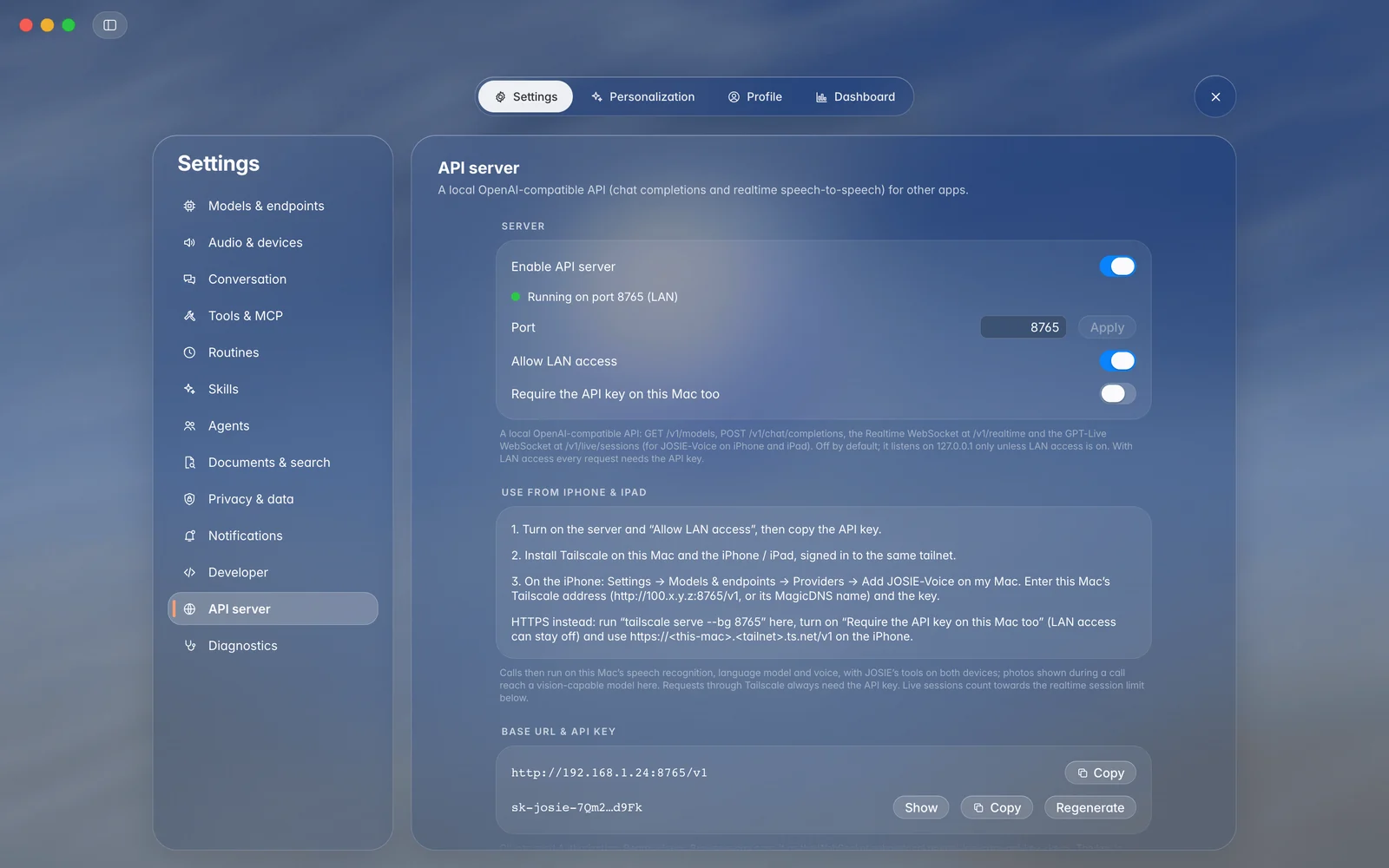
Audio and local embedding requests use supported models already loaded on the Mac; the API does not load them for you.
THE WORK, IN VIEW
A tool activity pill shows what JOSIE is doing. Expand it to inspect tool results, specialist runs and reasoning when enabled. Set a step limit, answer confirmation cards, or stop a run.
06 · Screenshots
The Mac app, plus a preview of the iPhone app. Click any picture to see it larger.
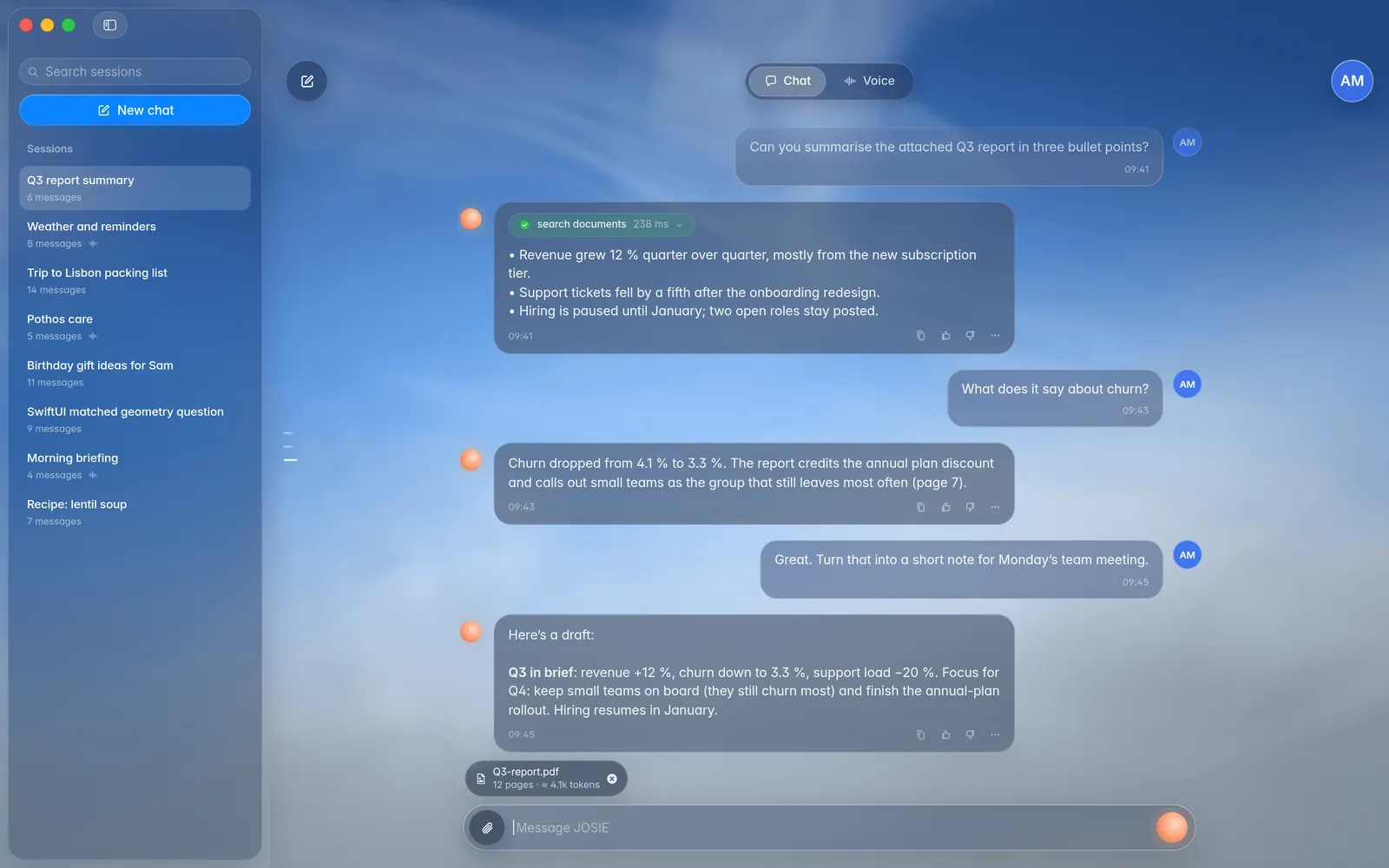
Voice, chat, your library, and a voice studio. Everything has its place.
Interface preview · Mockup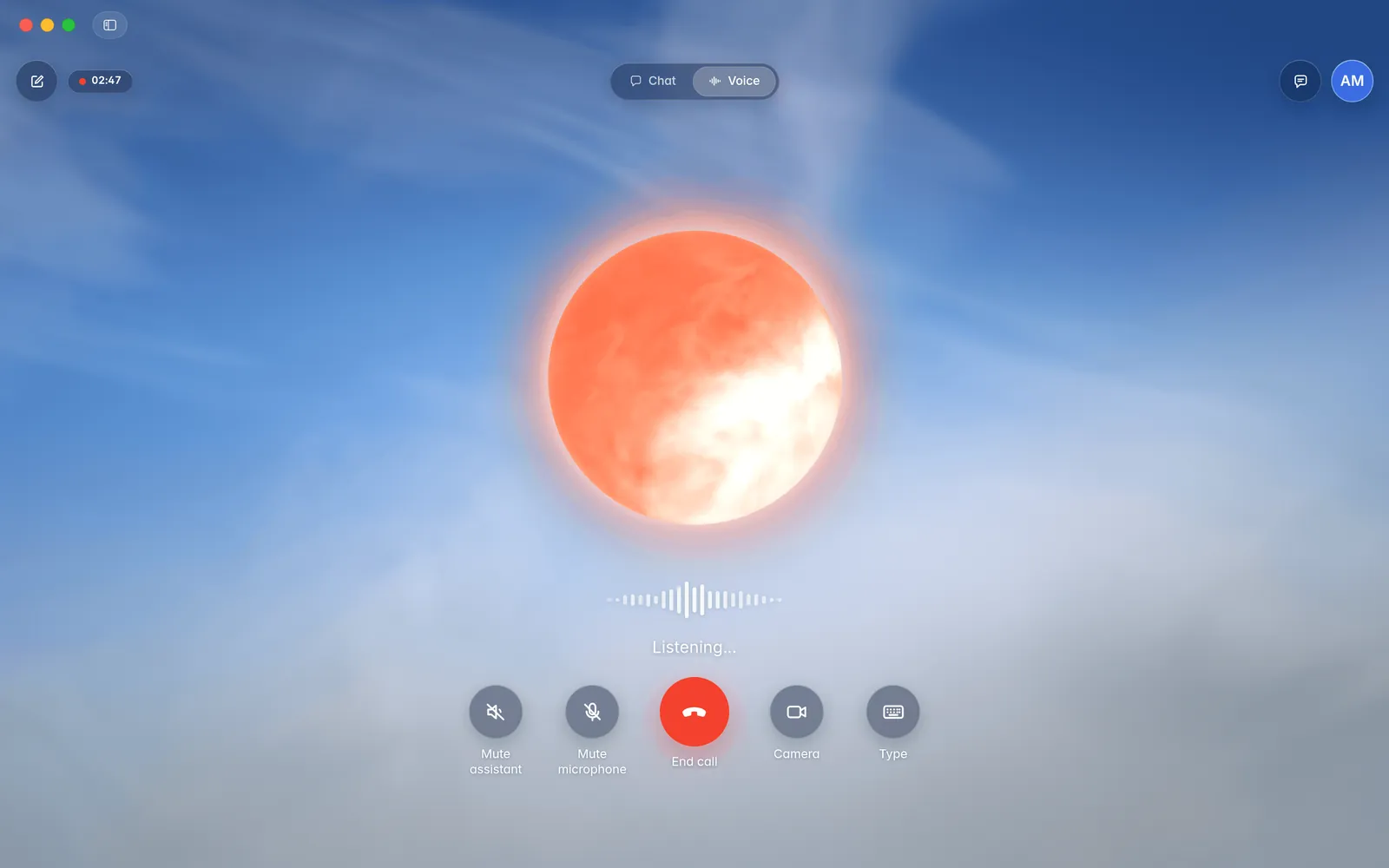
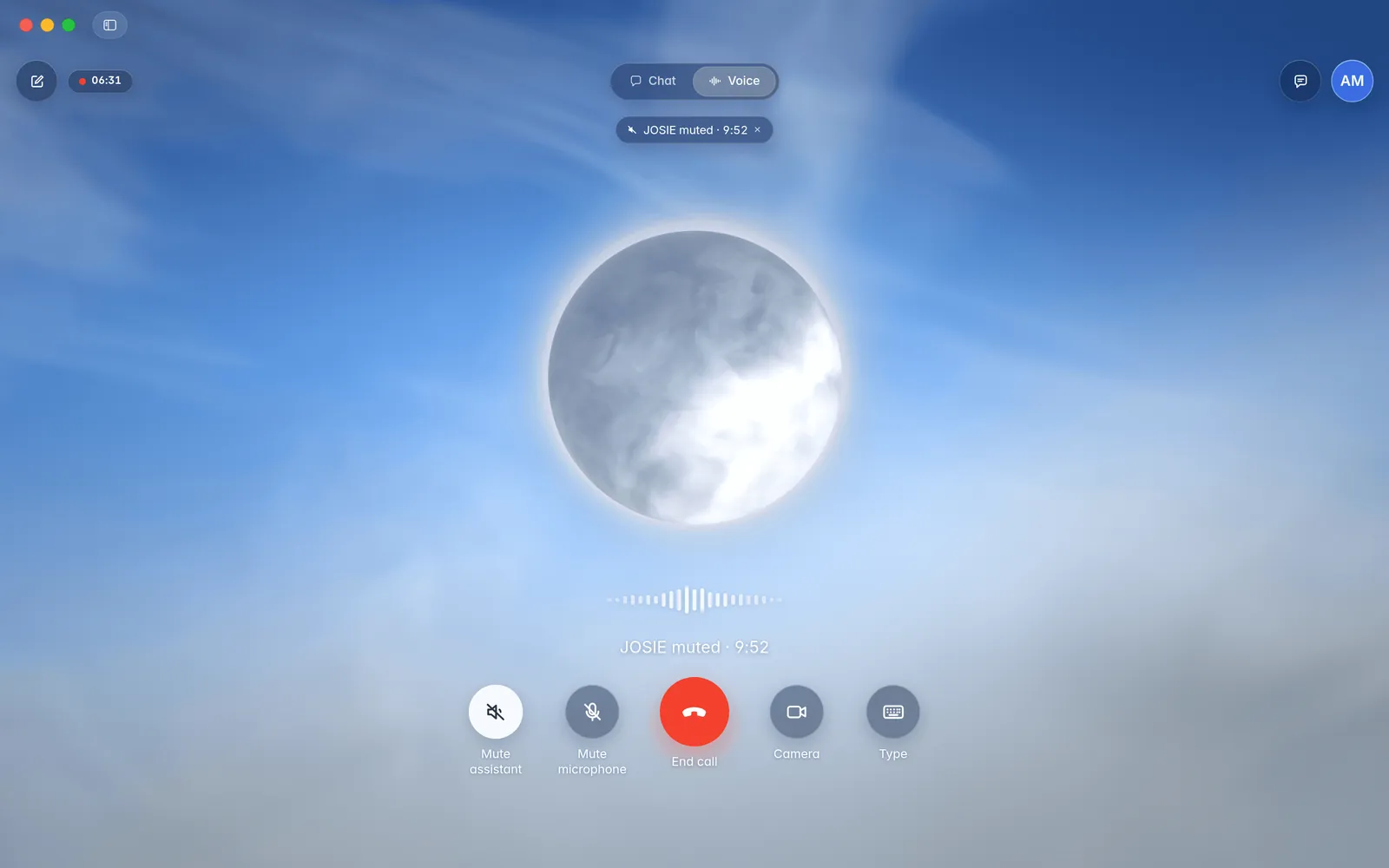
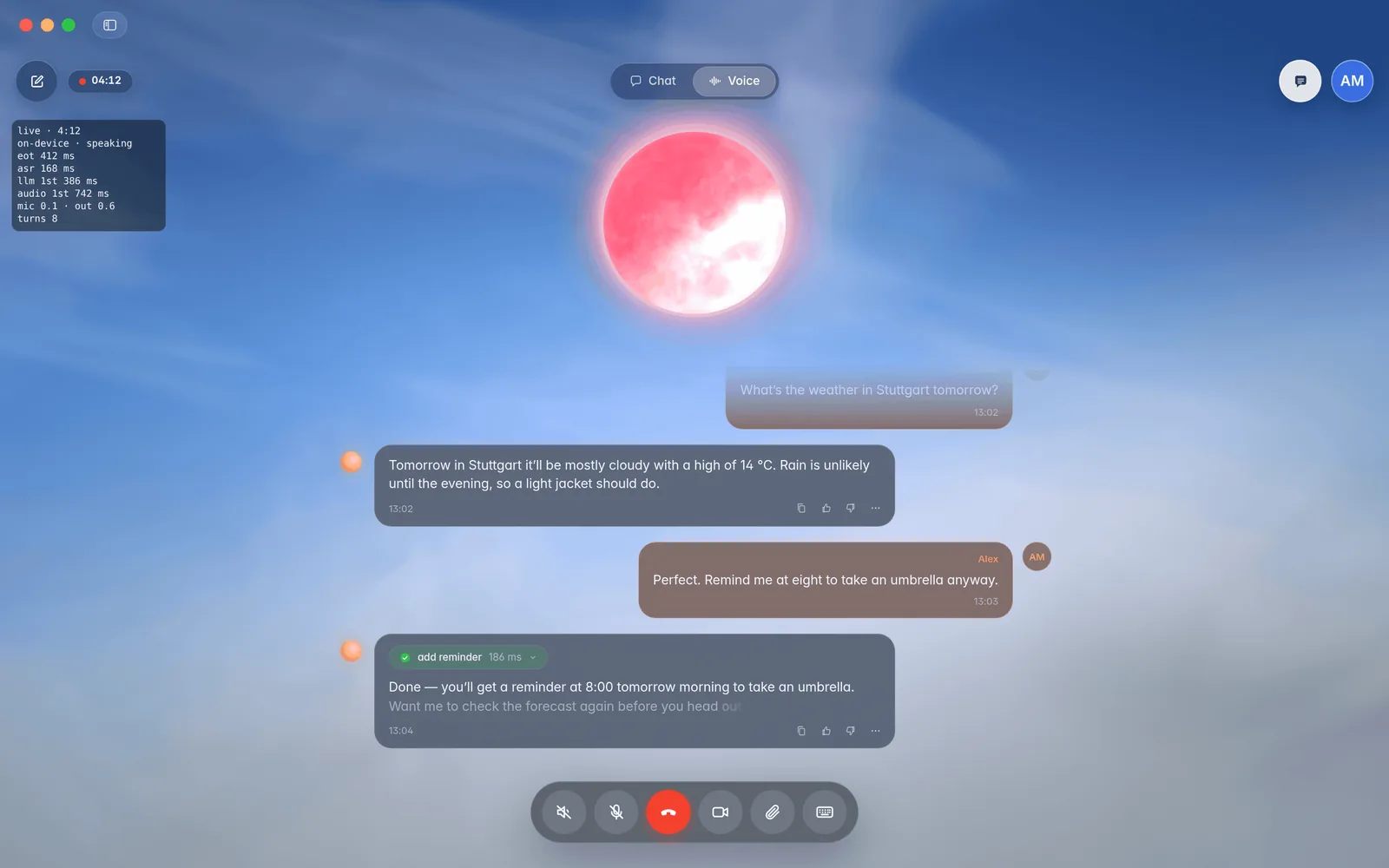
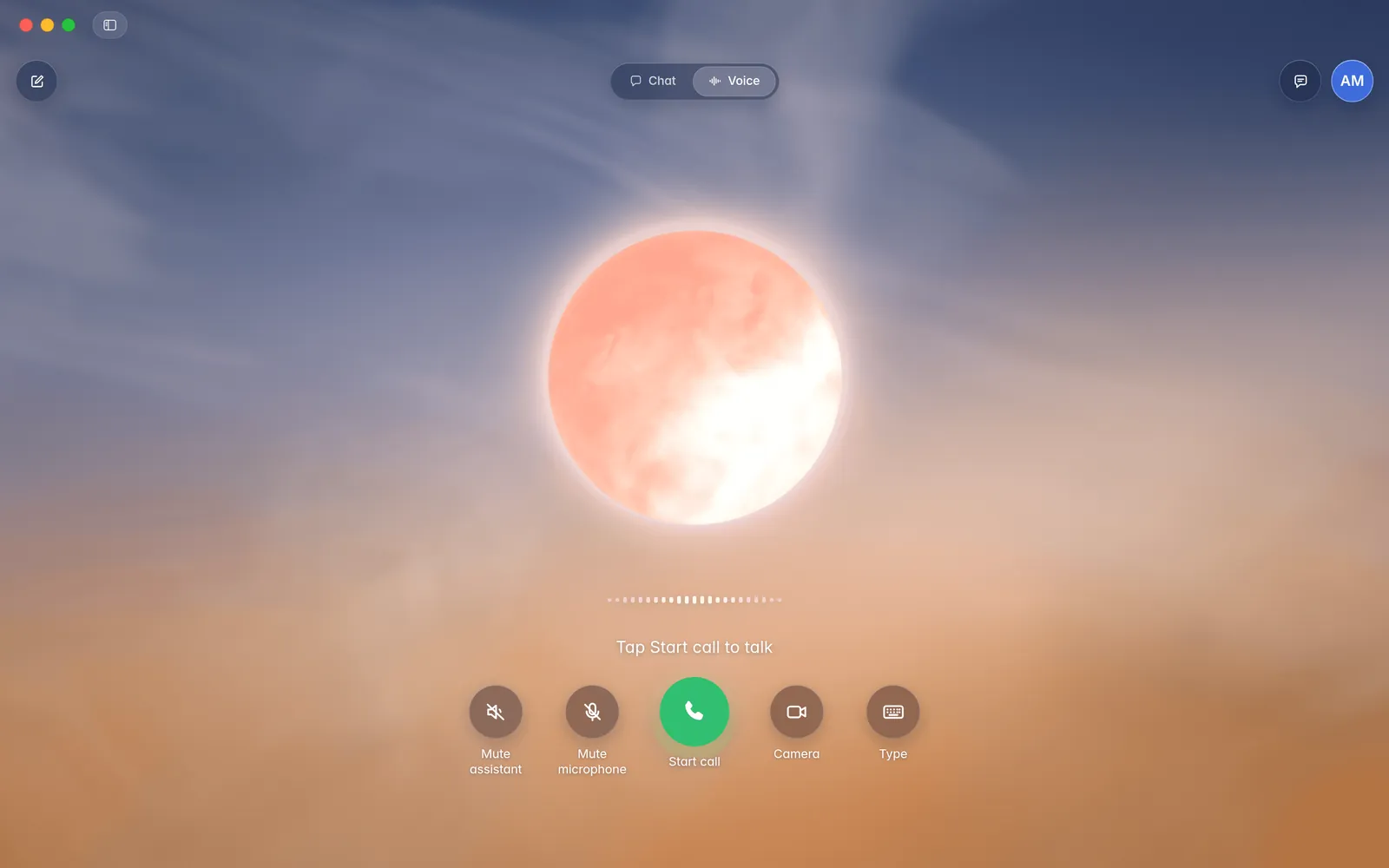
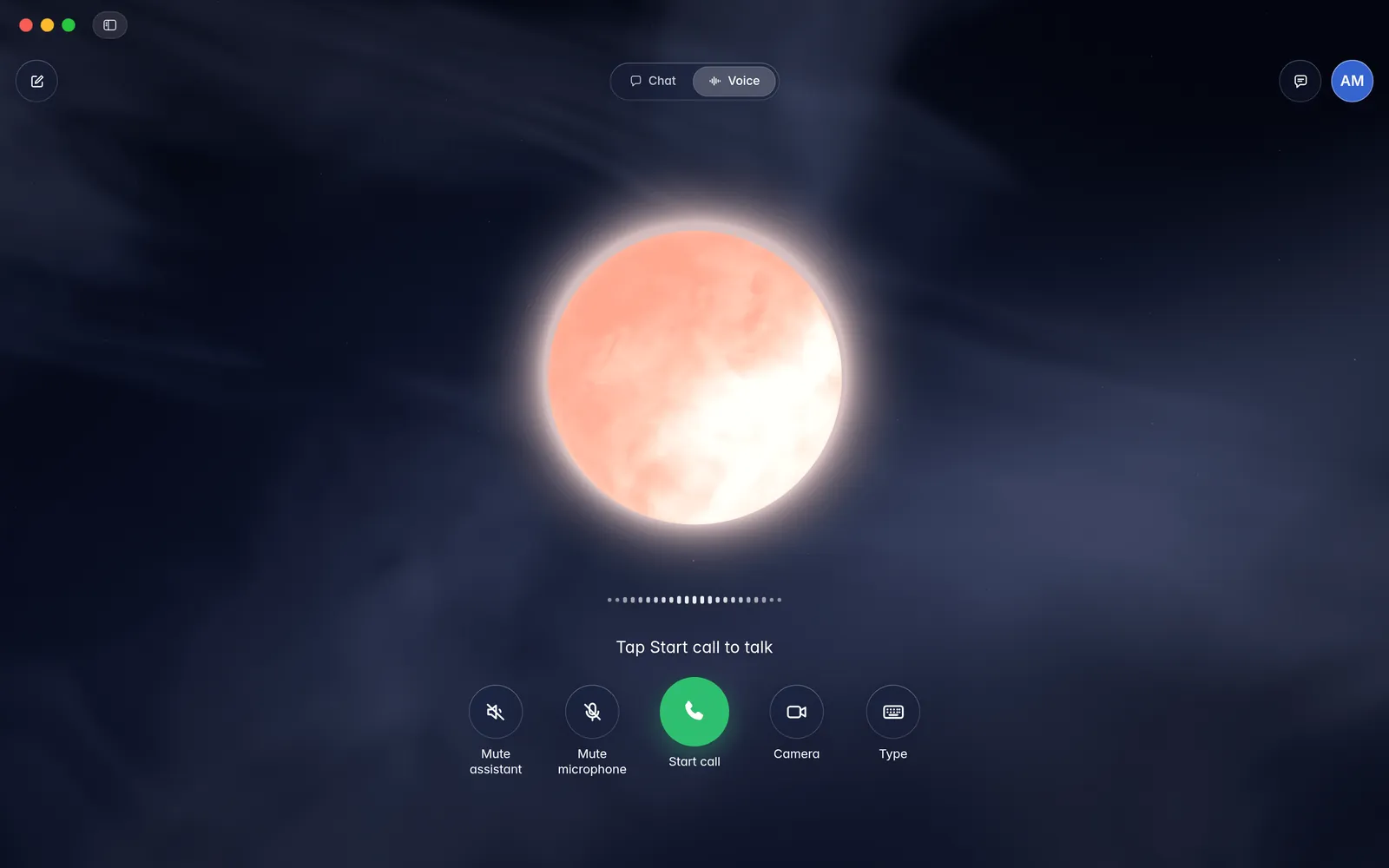
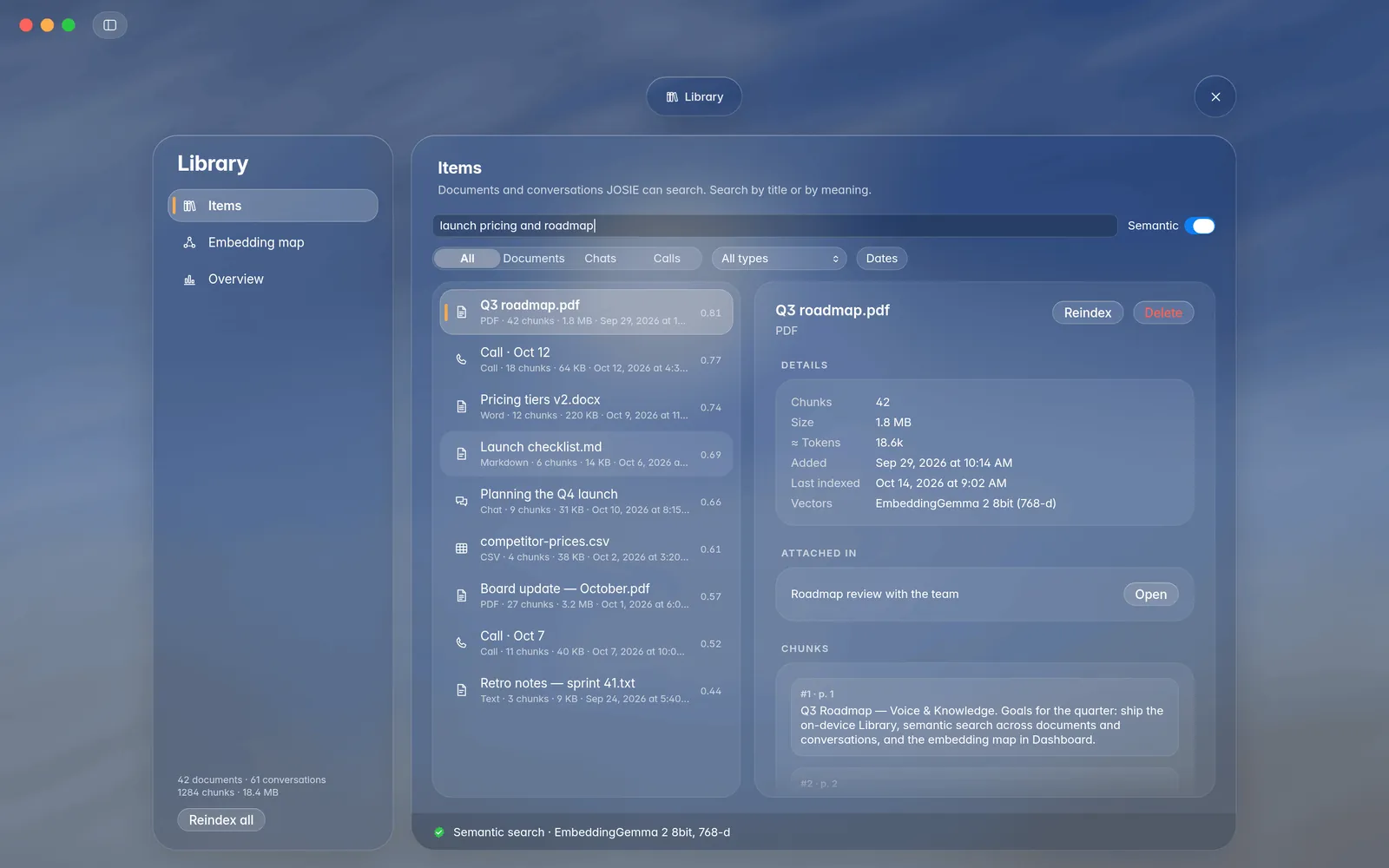
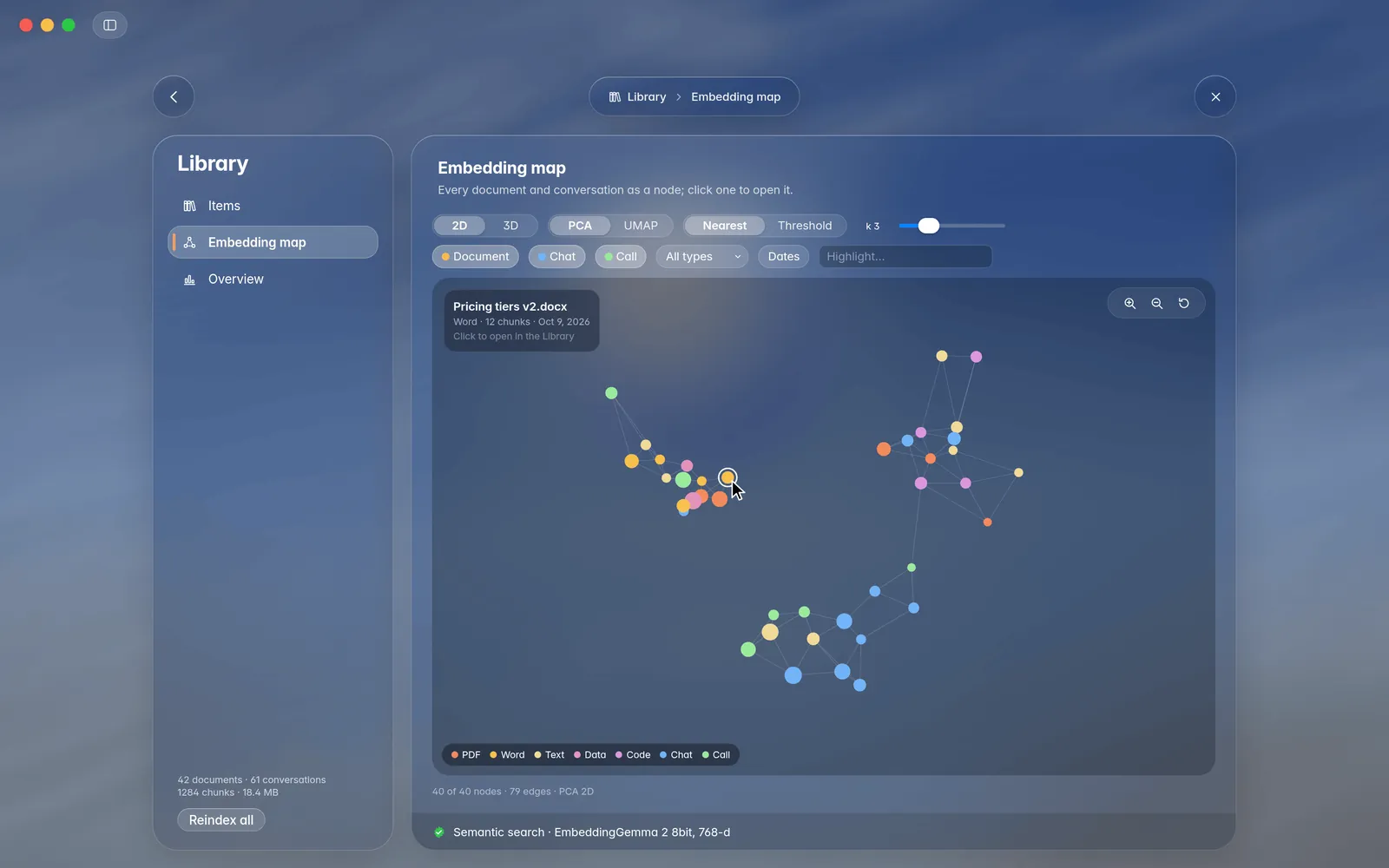
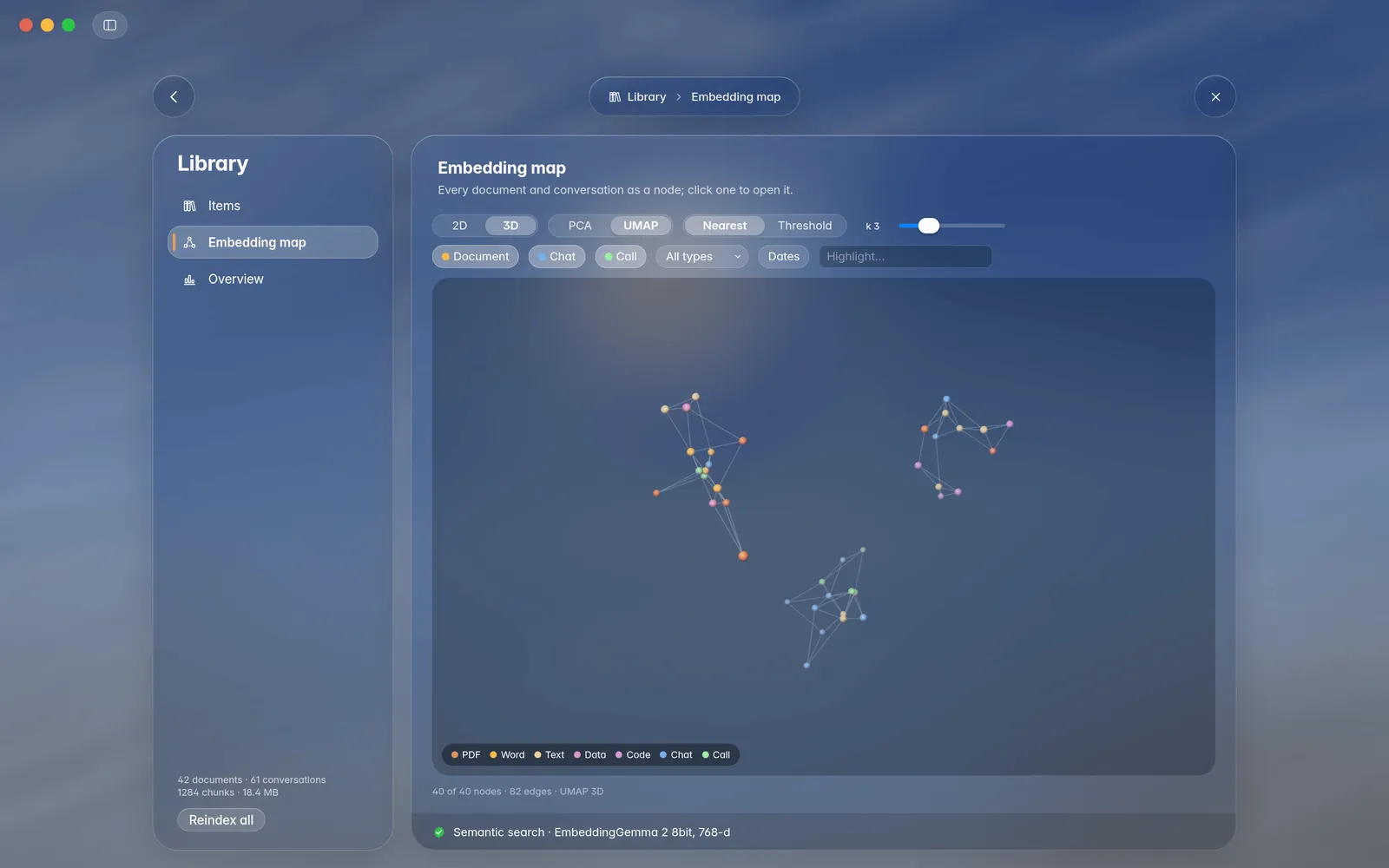
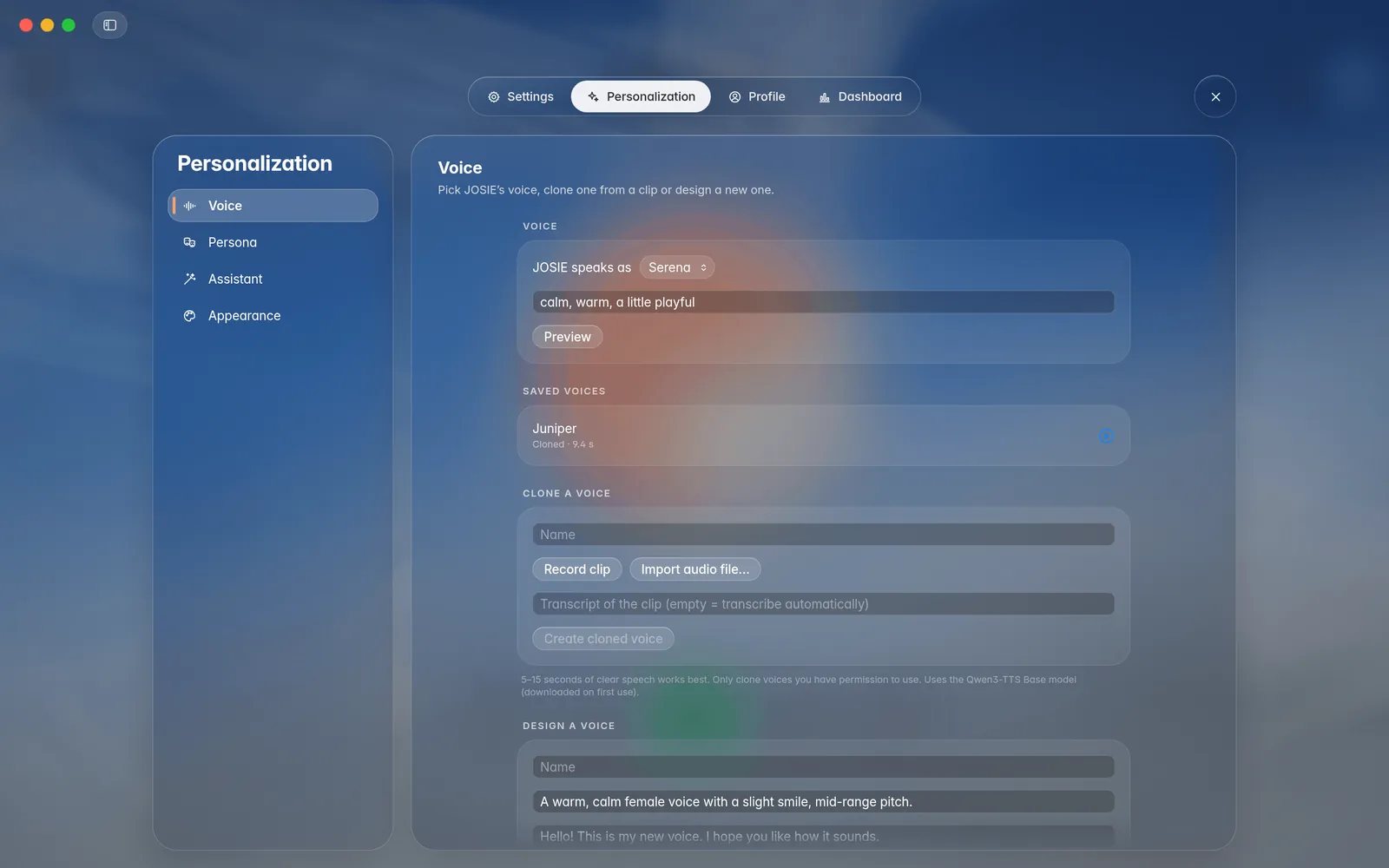
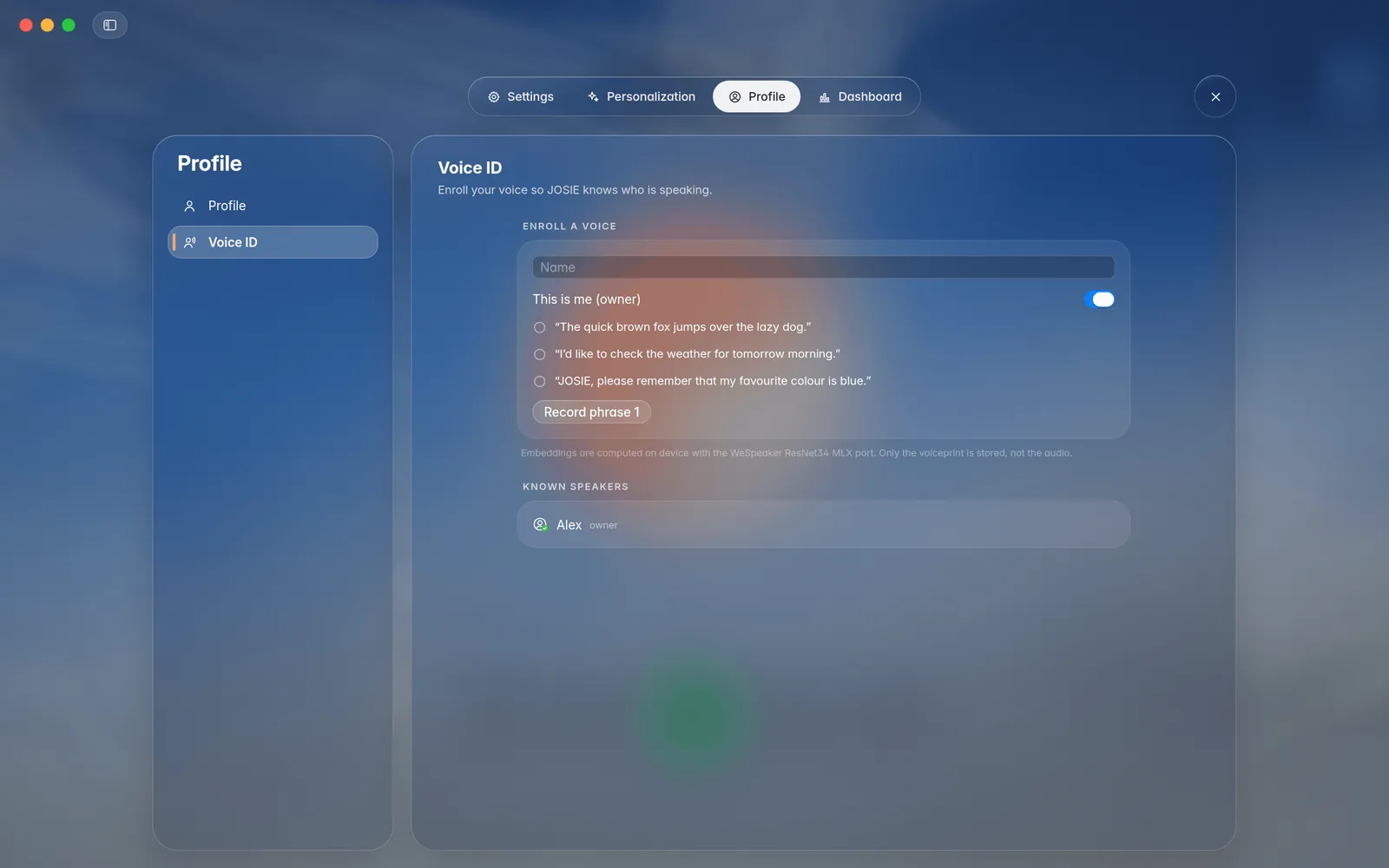
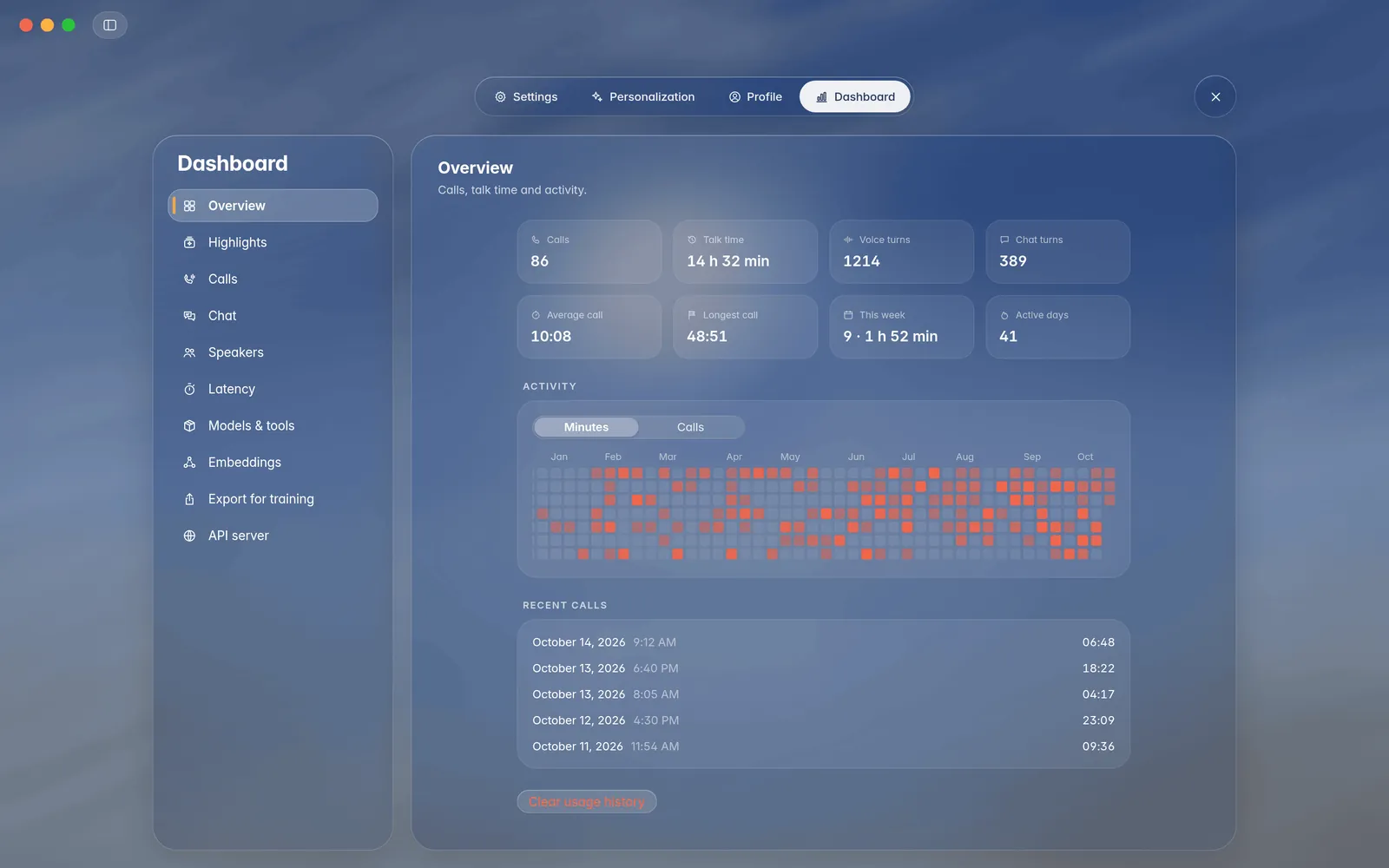
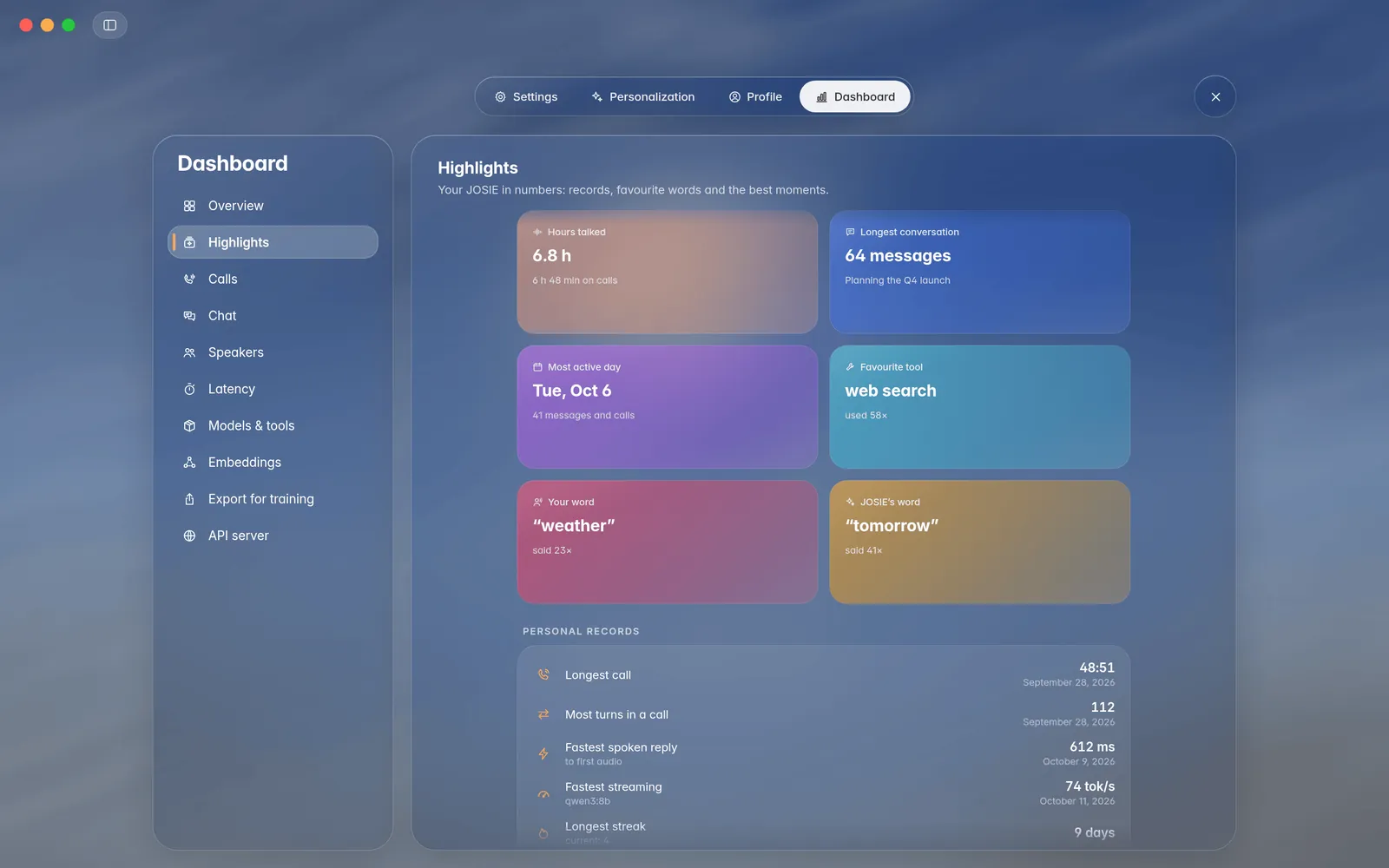
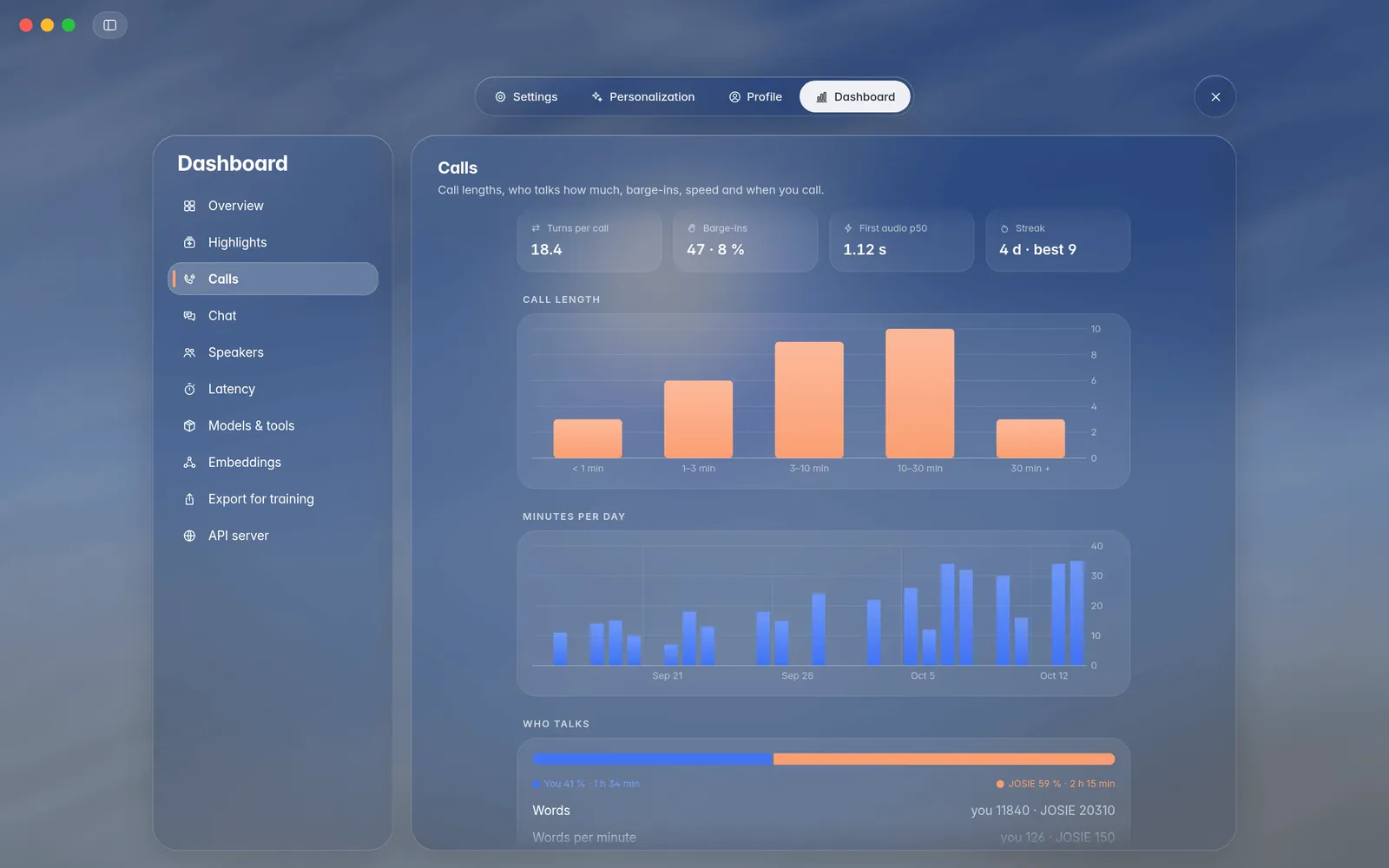
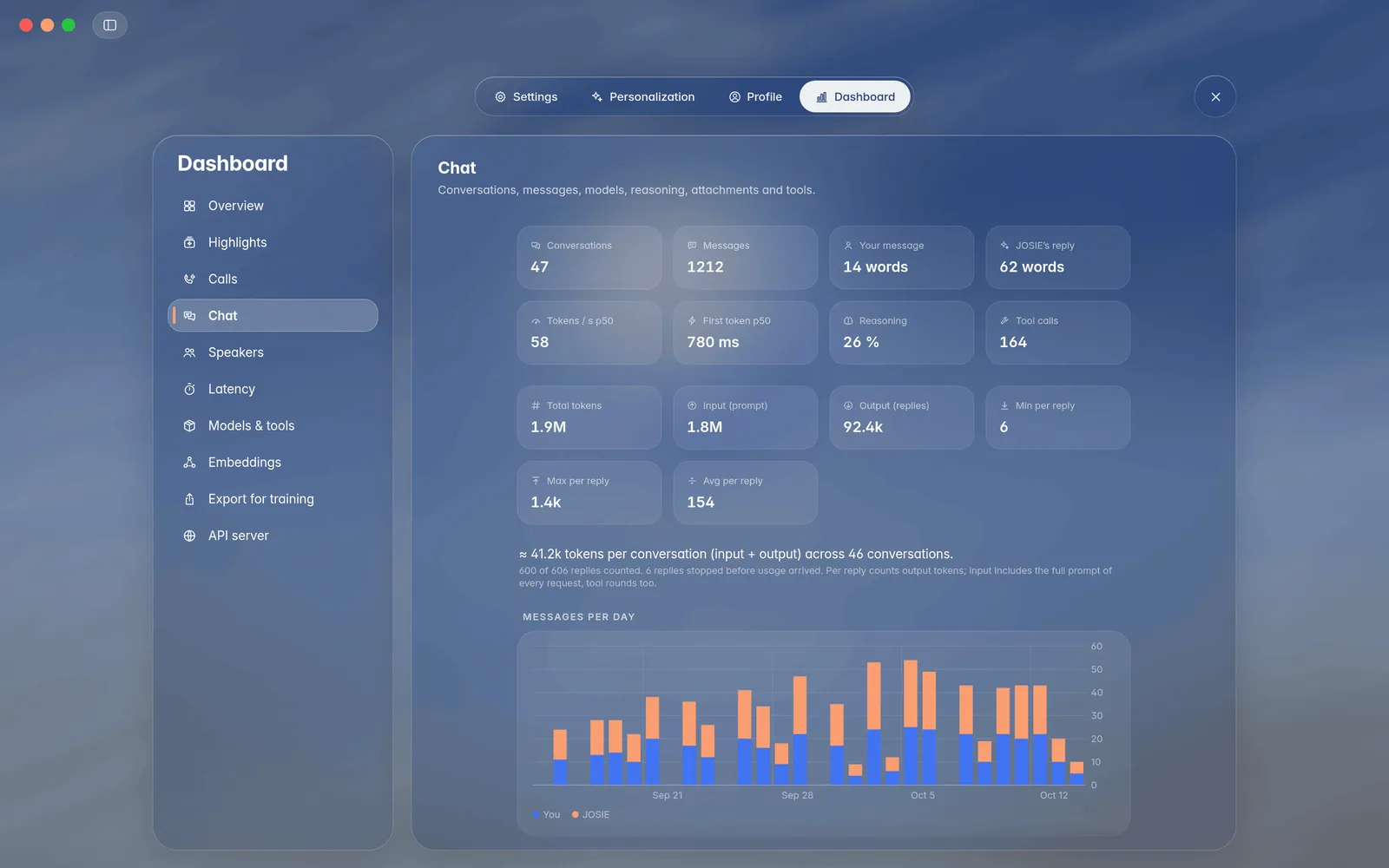
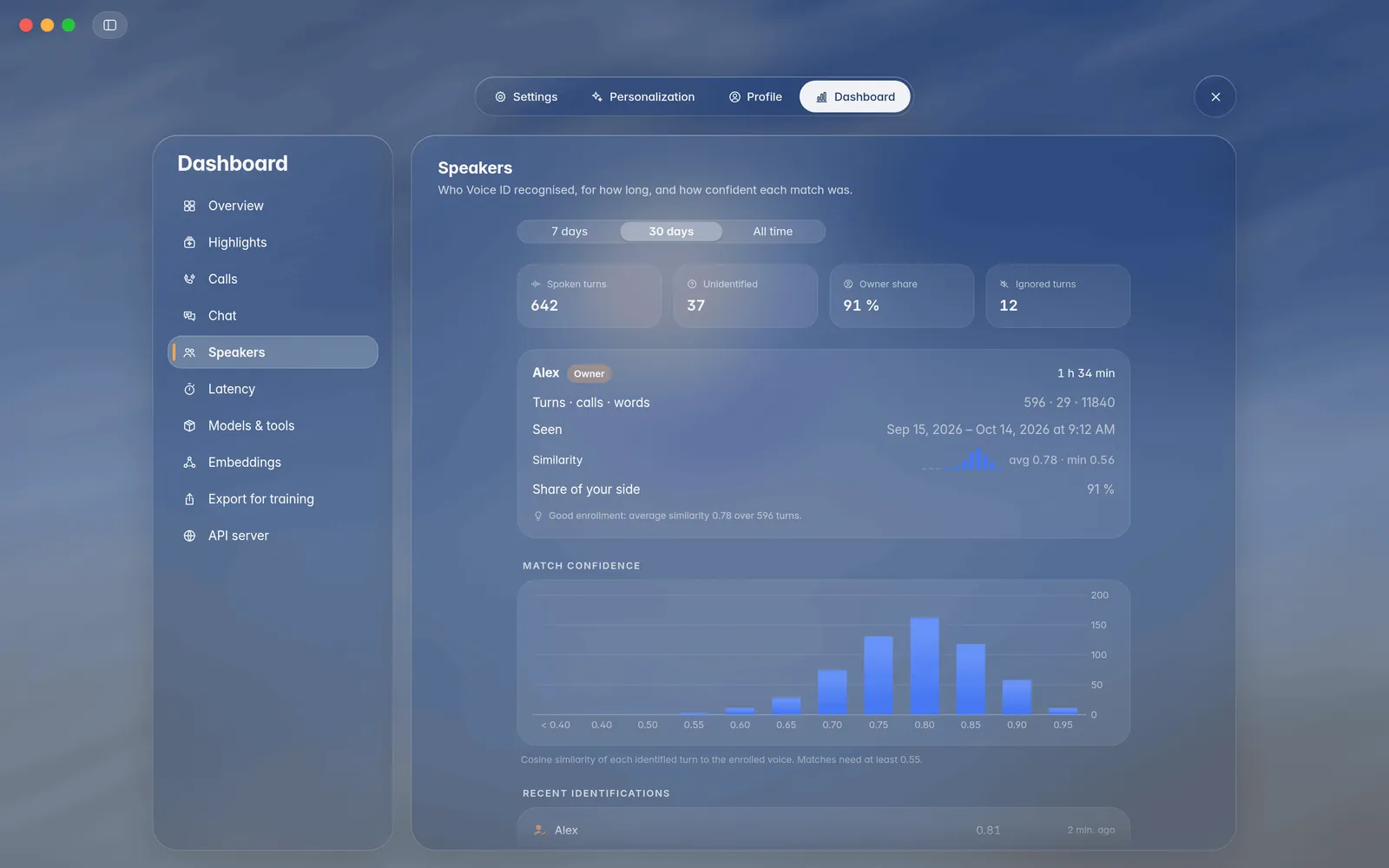
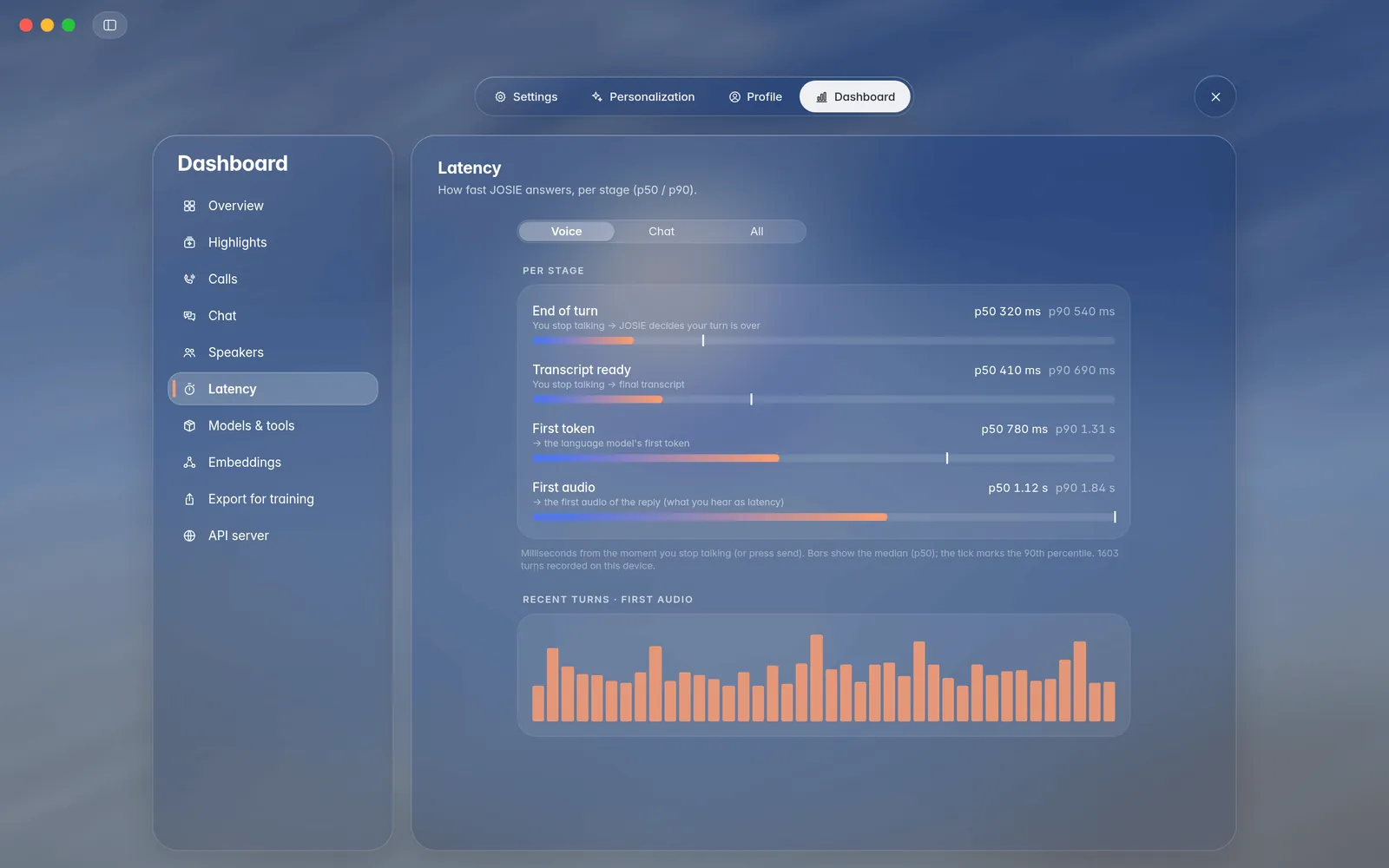
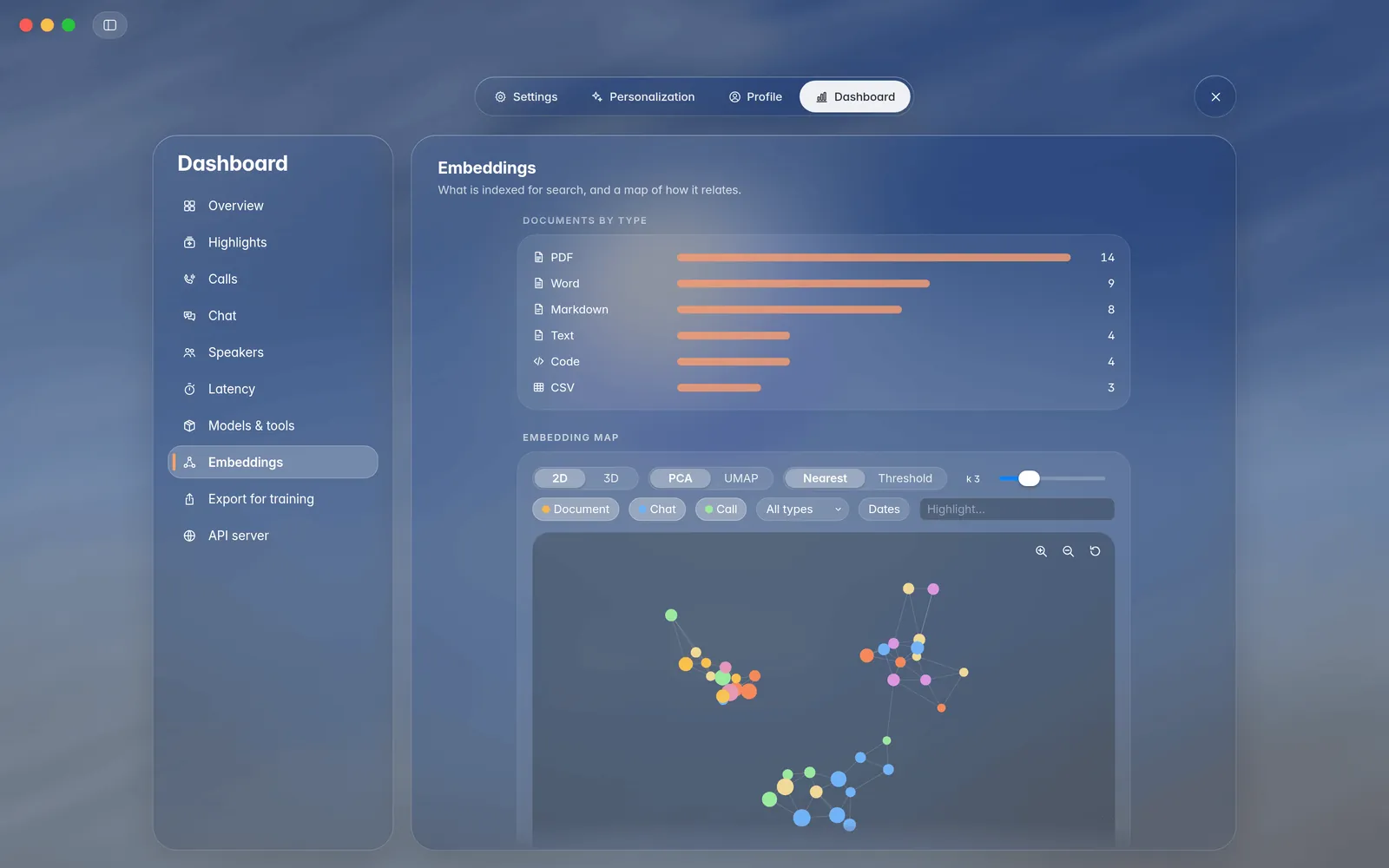
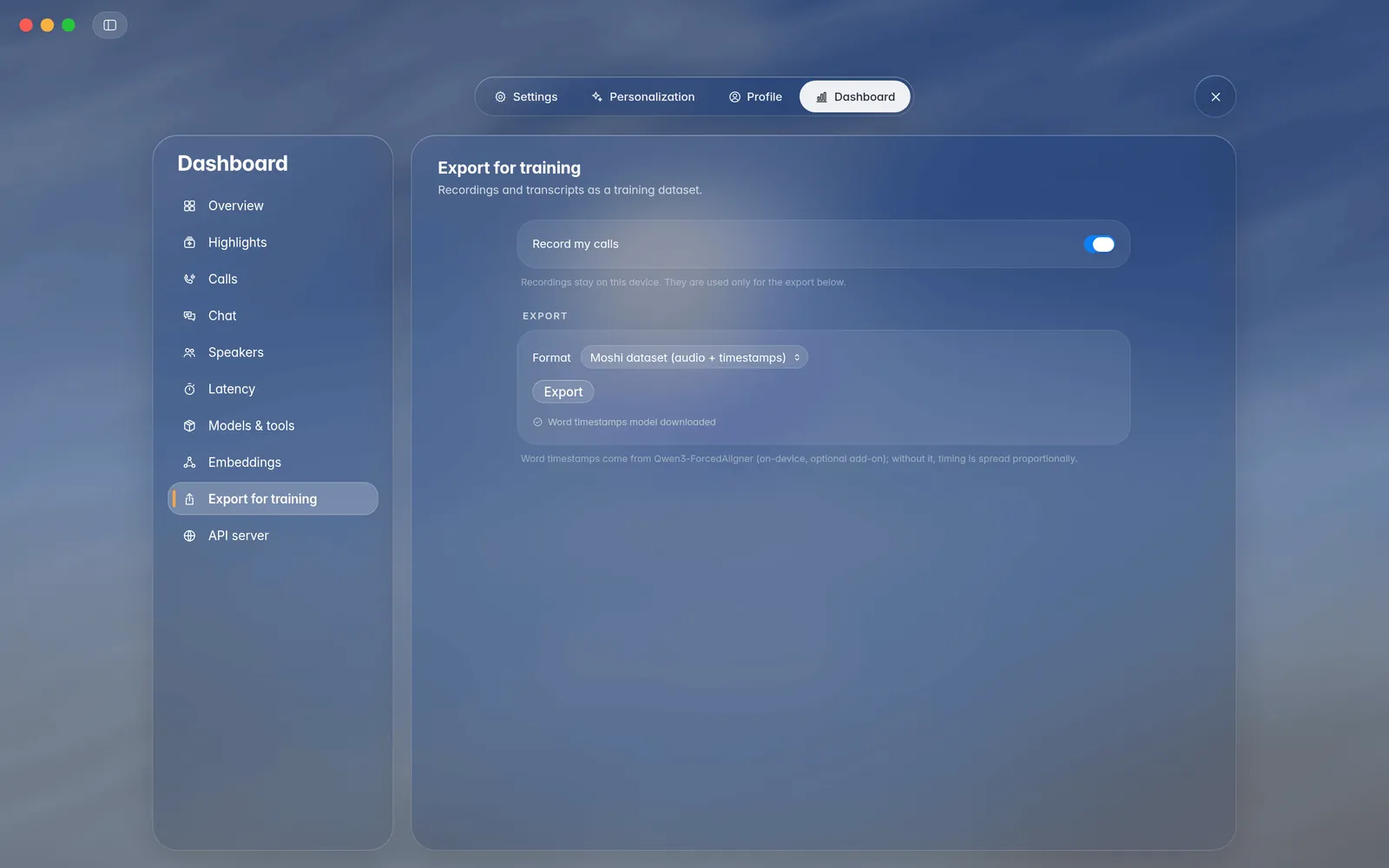
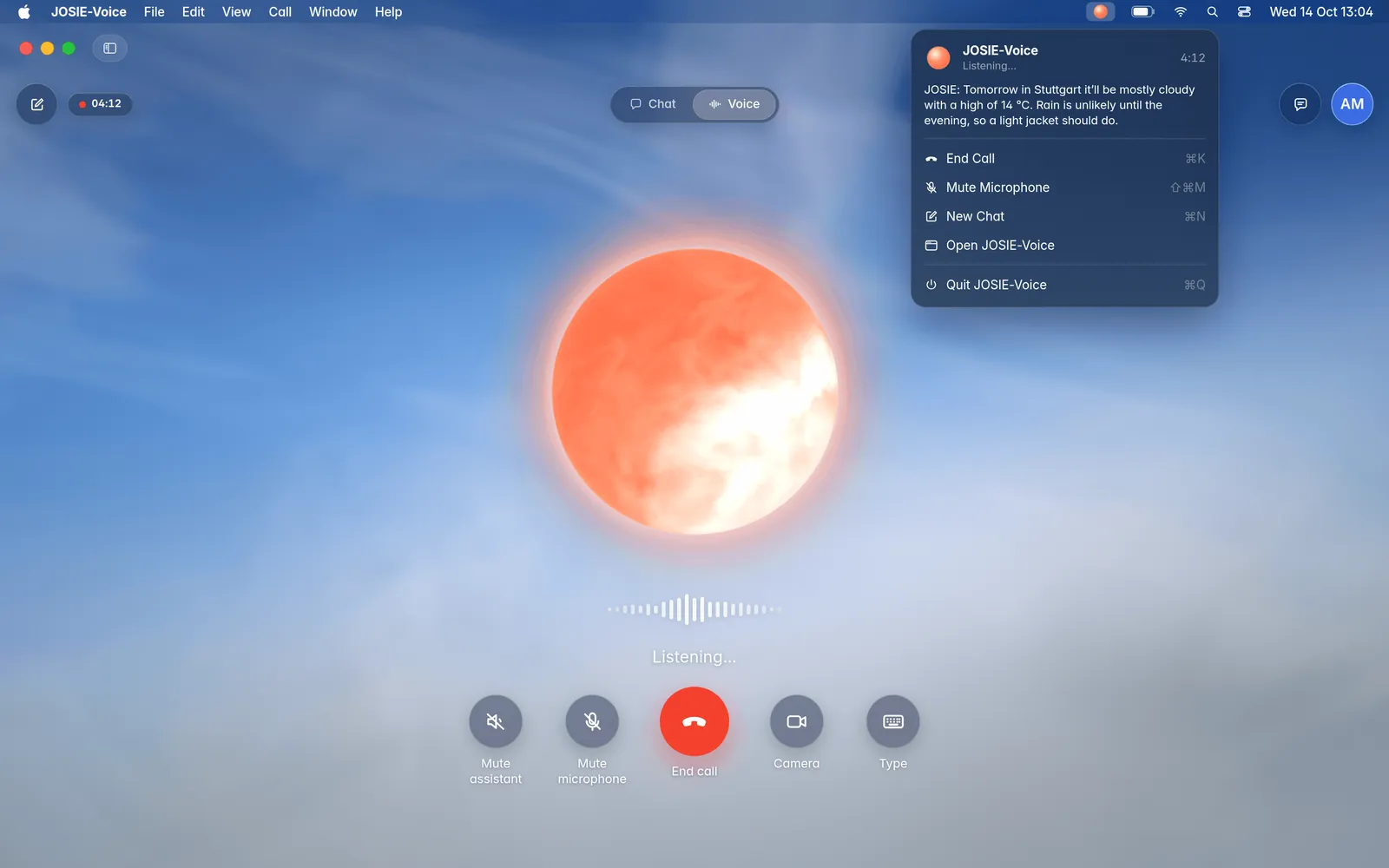
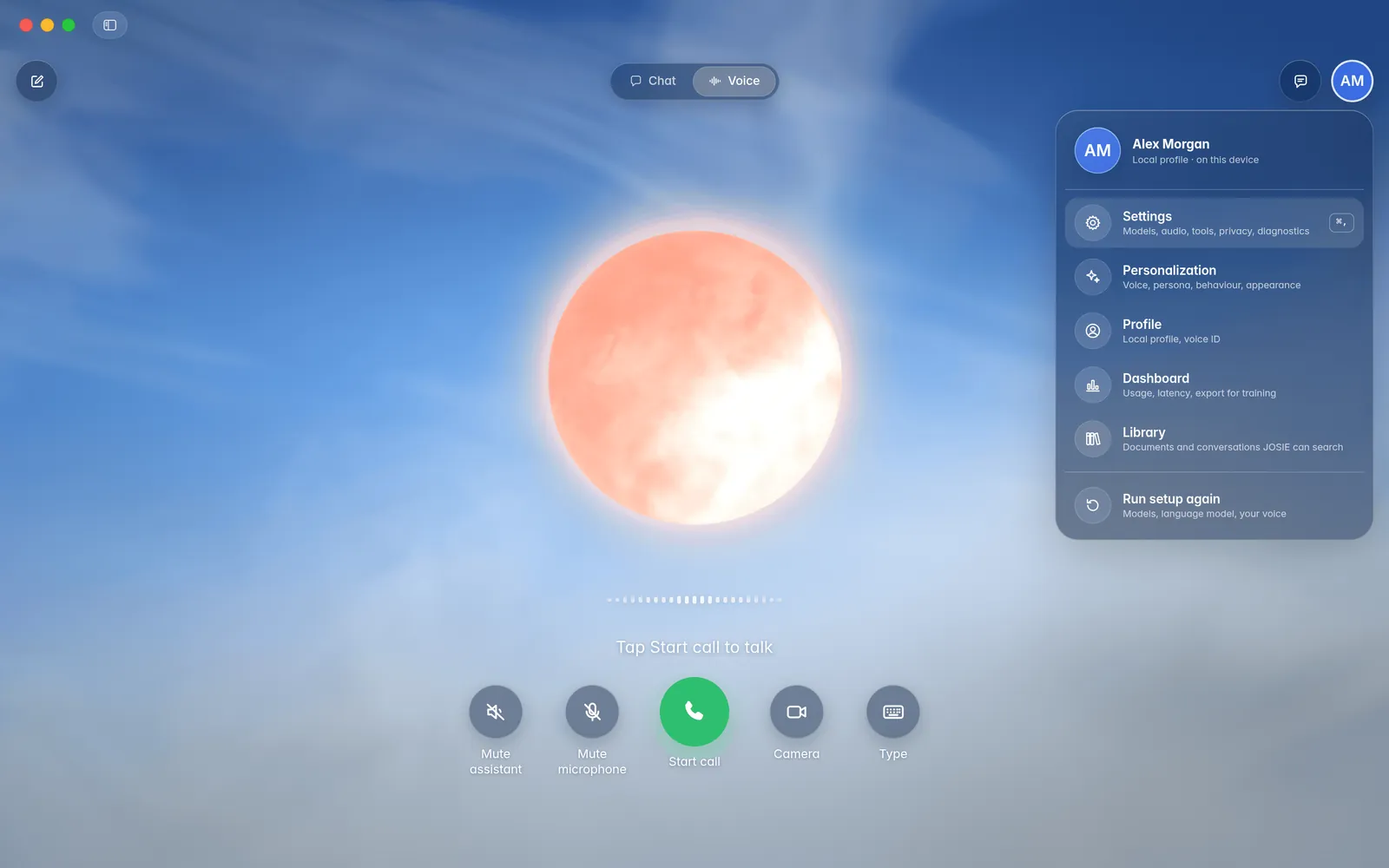
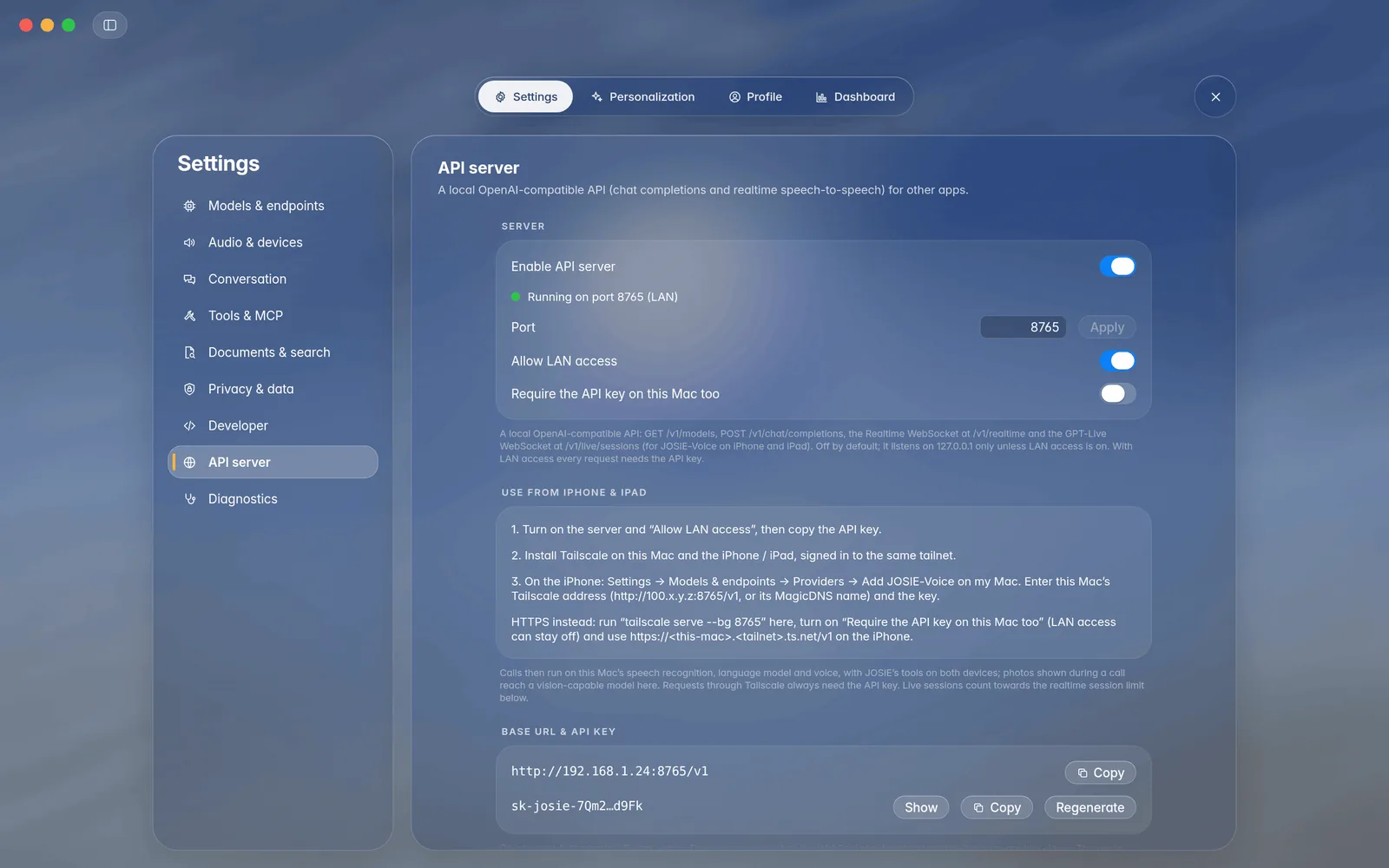
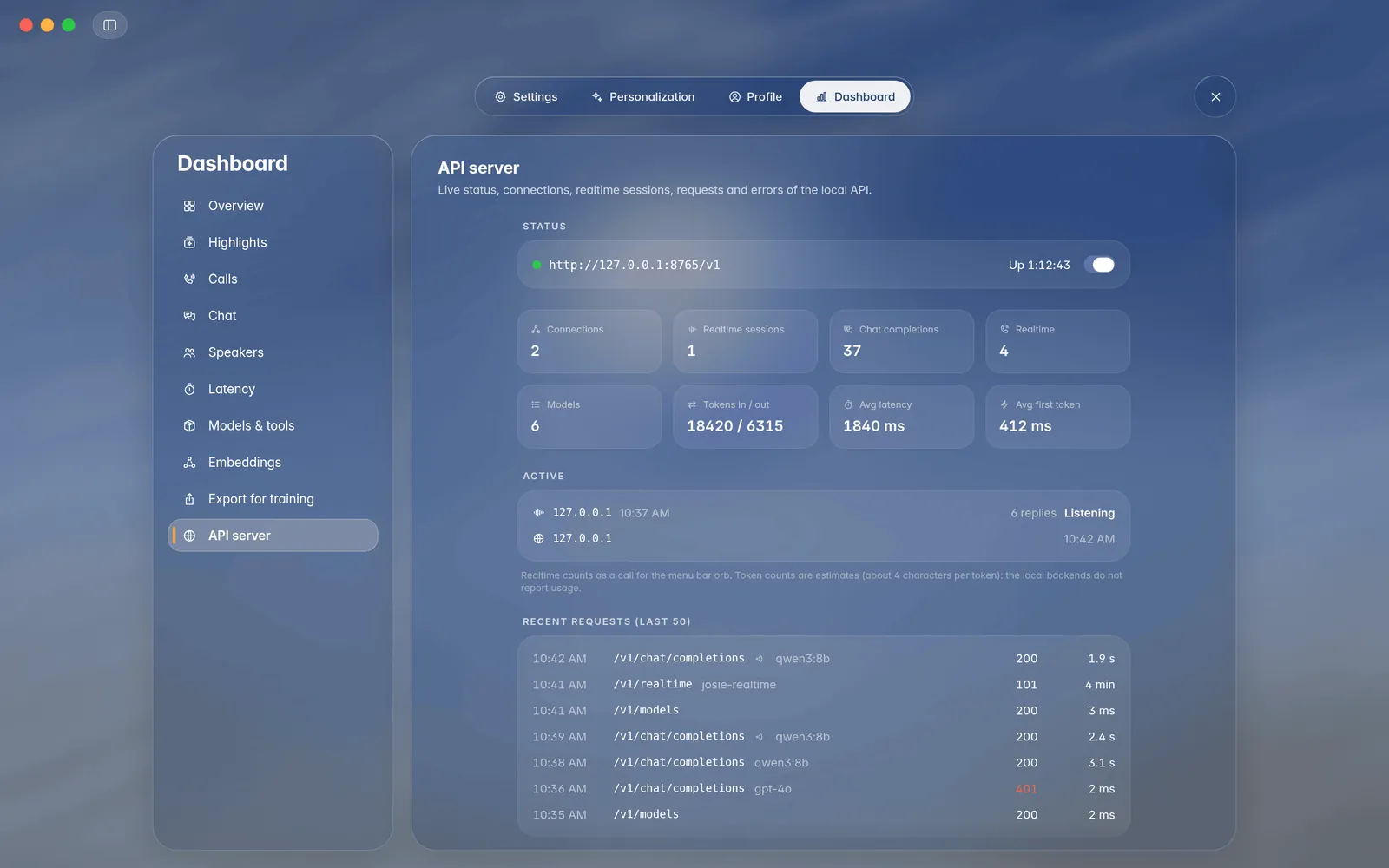
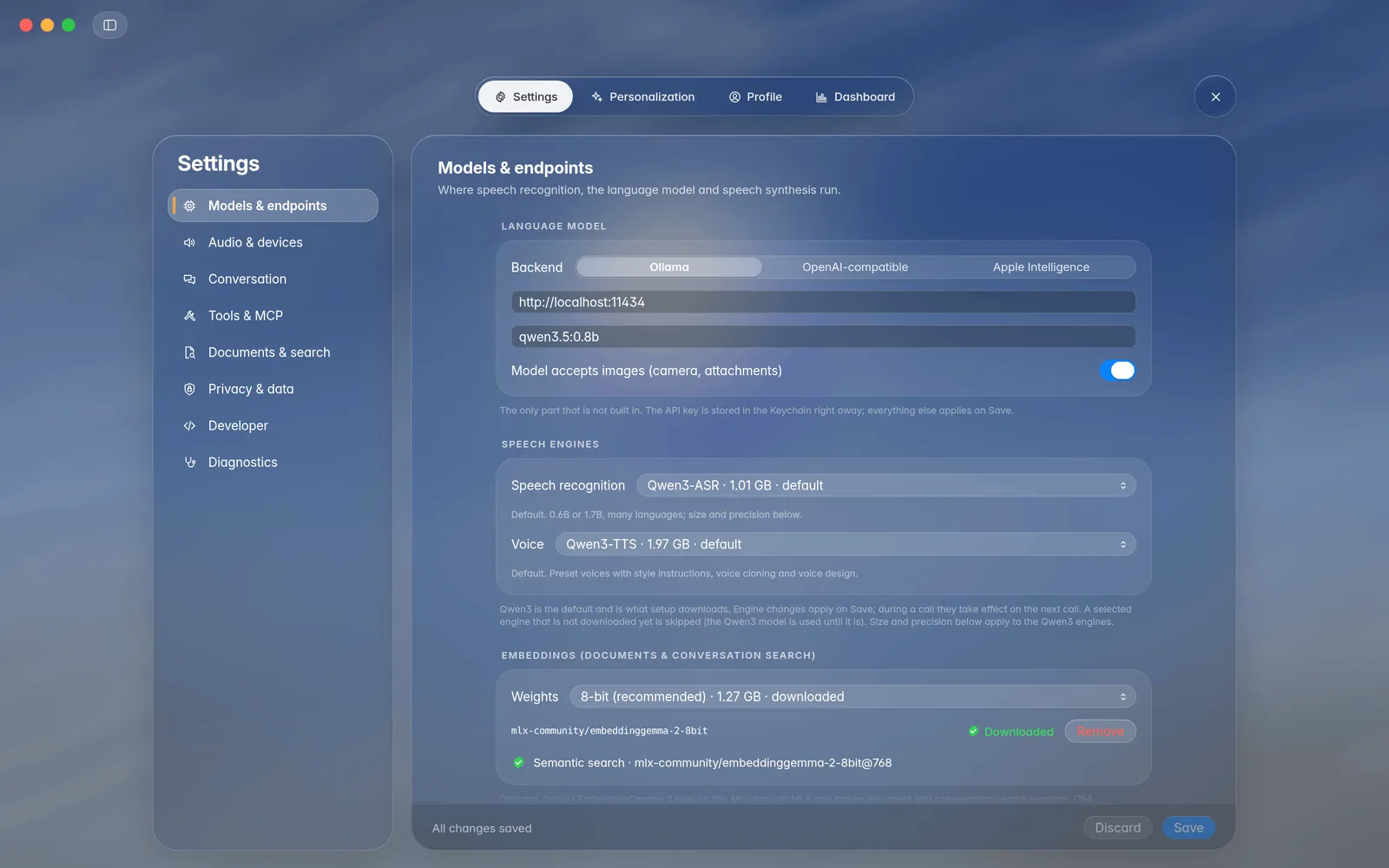
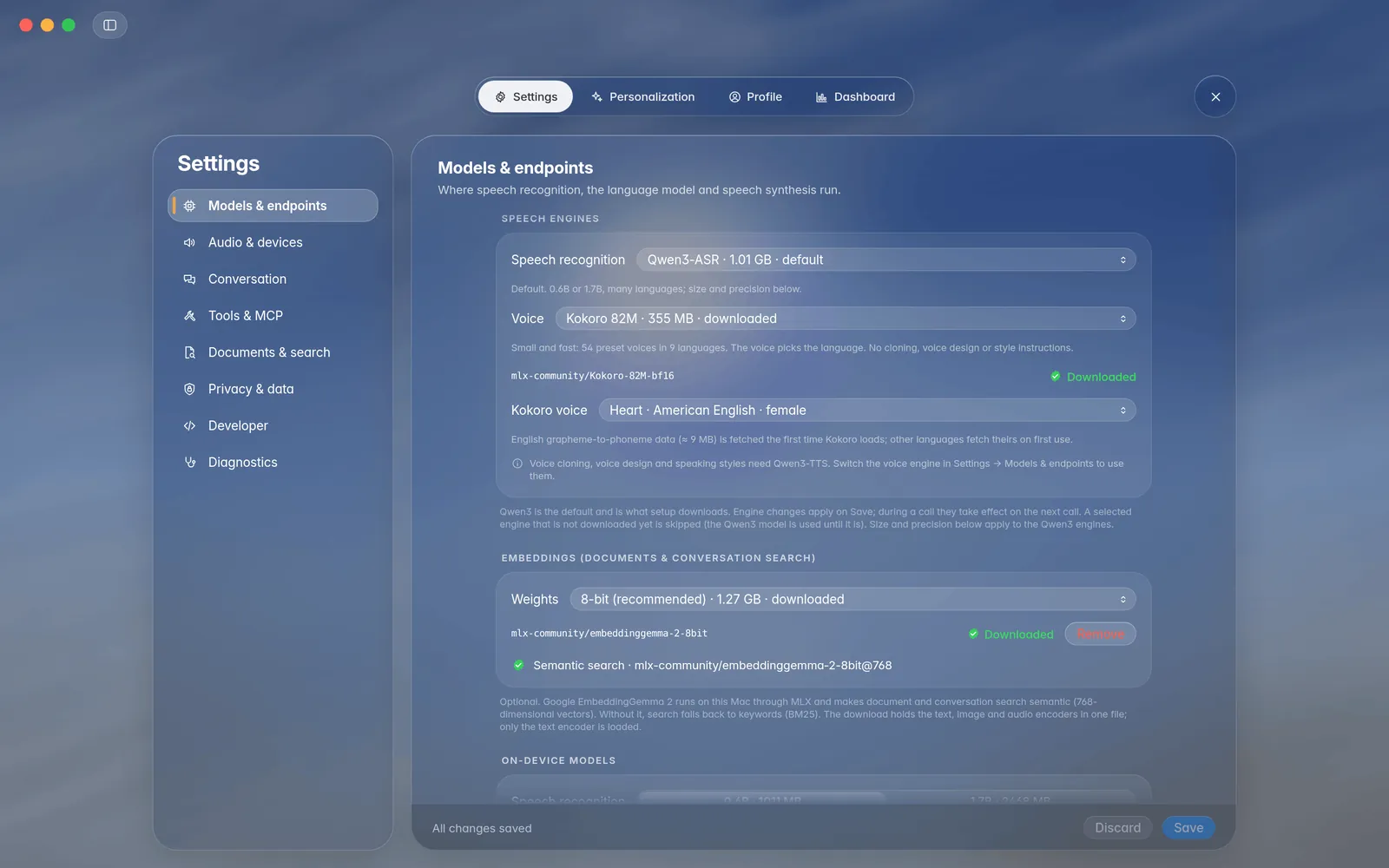
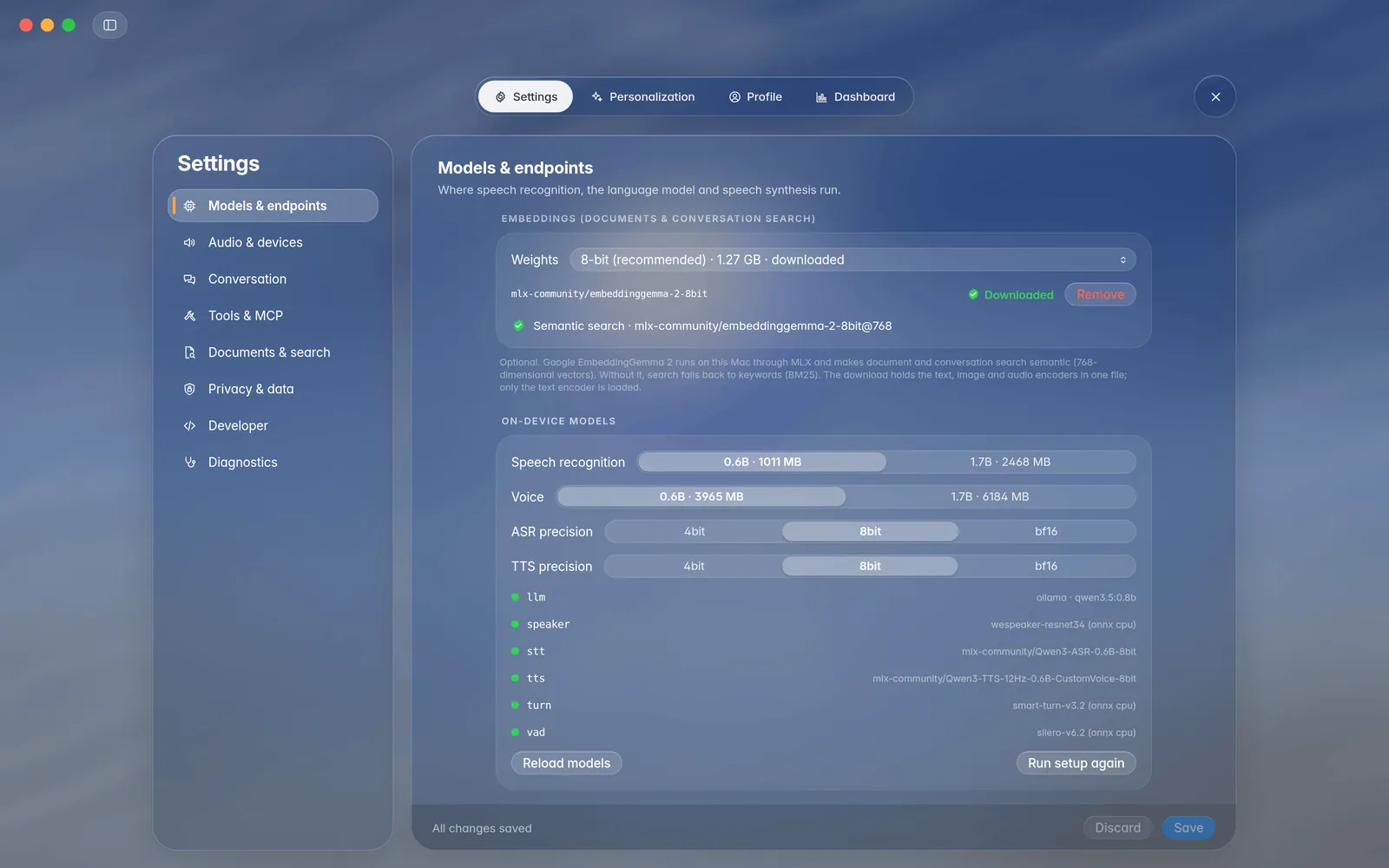
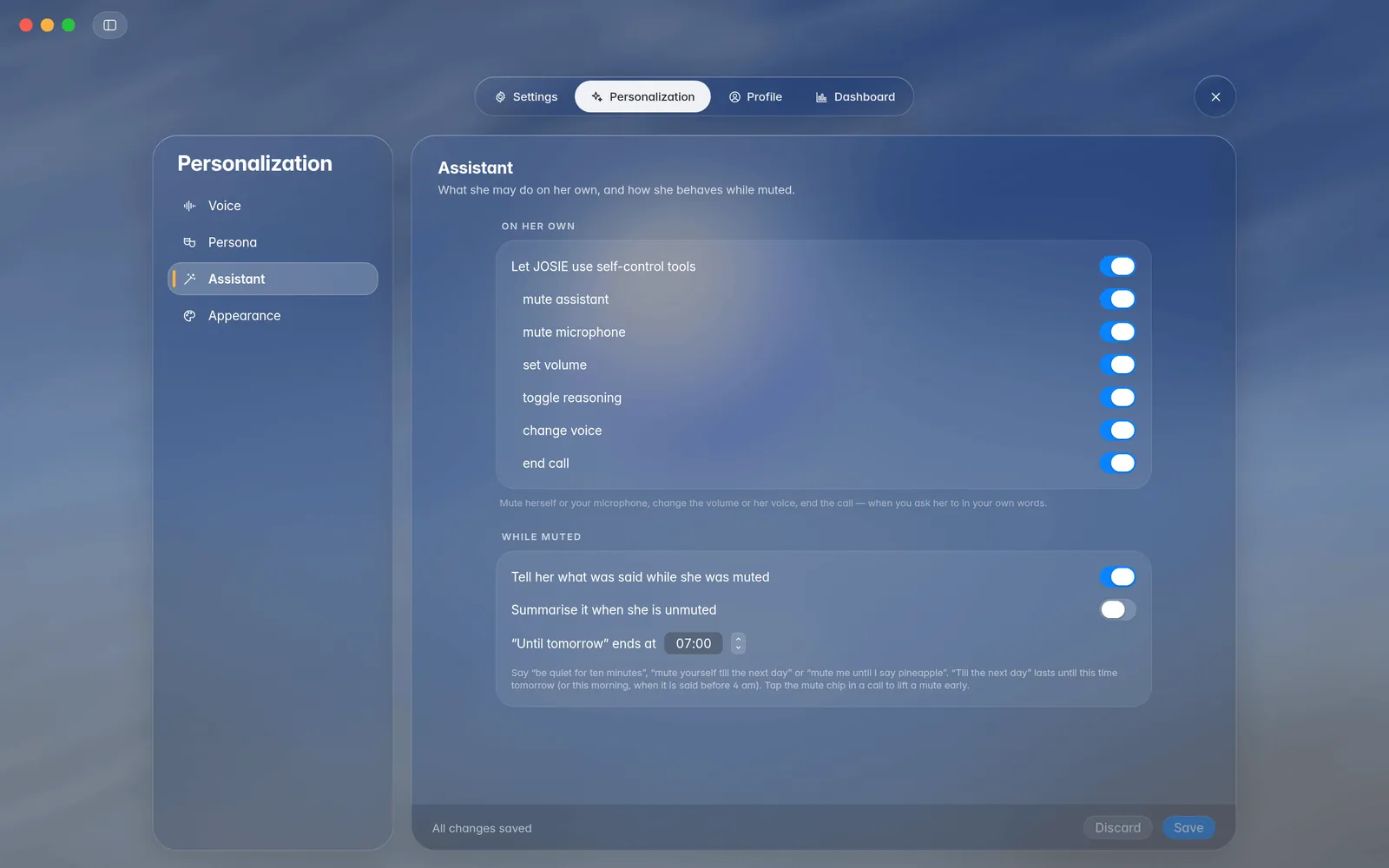
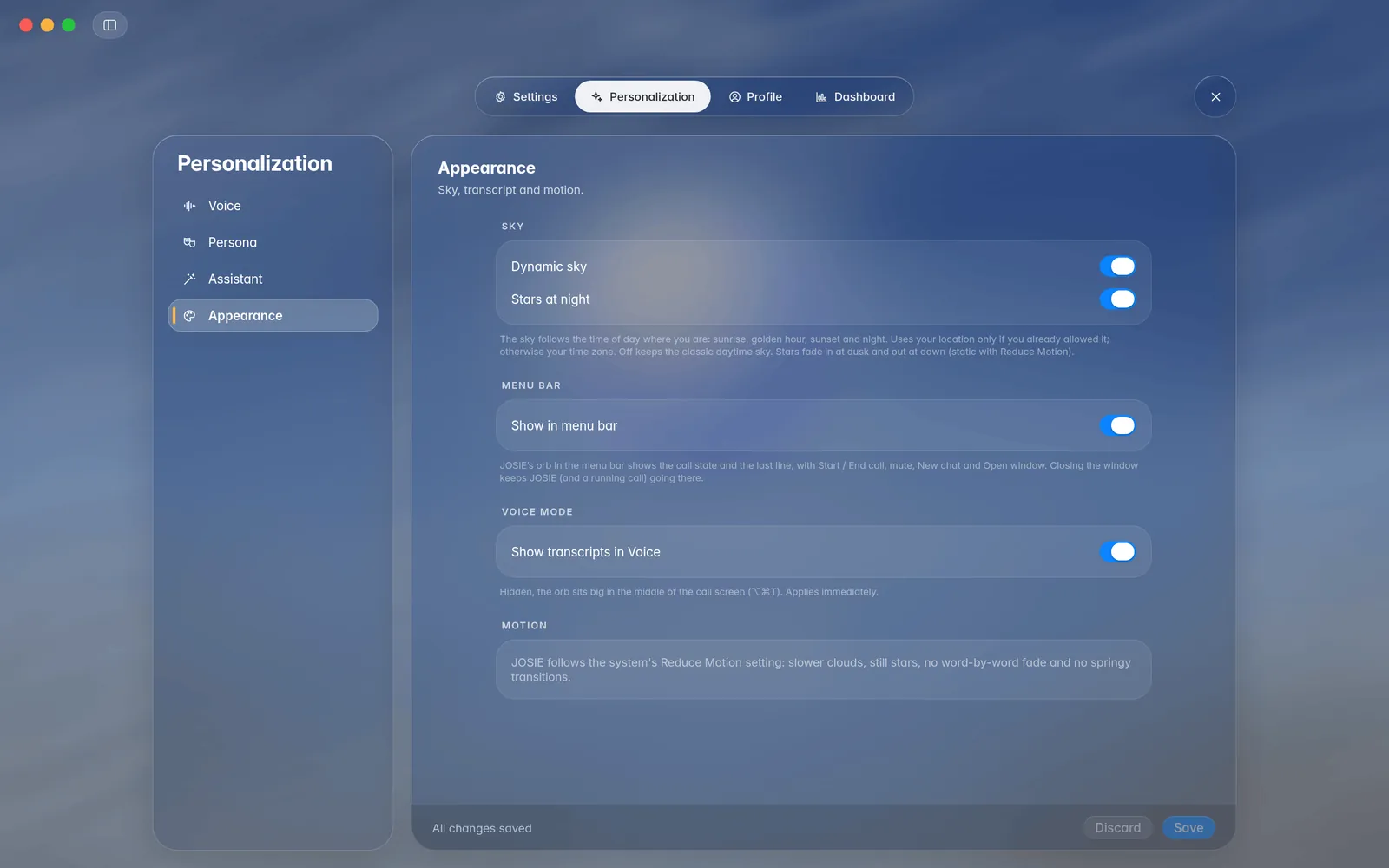
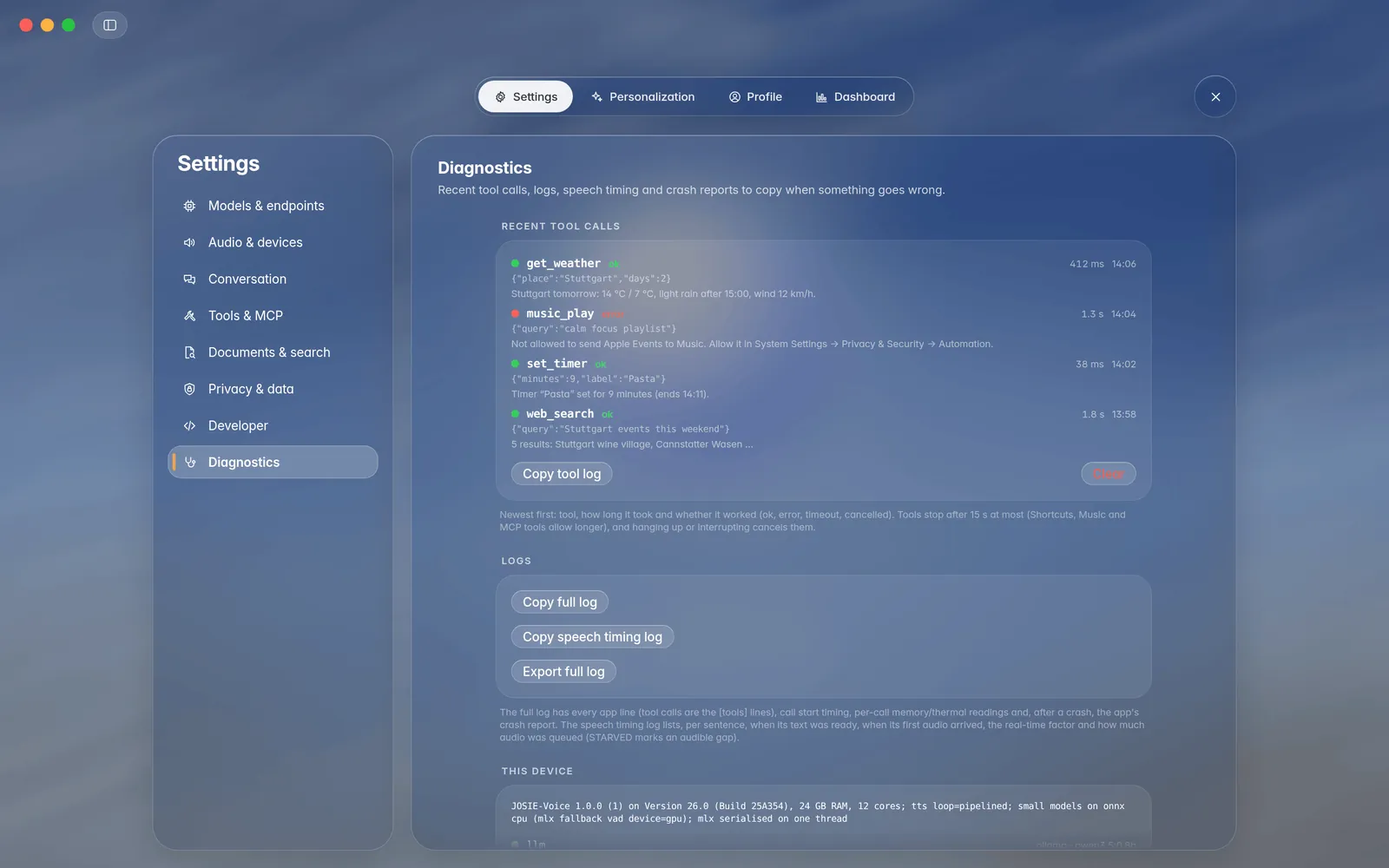
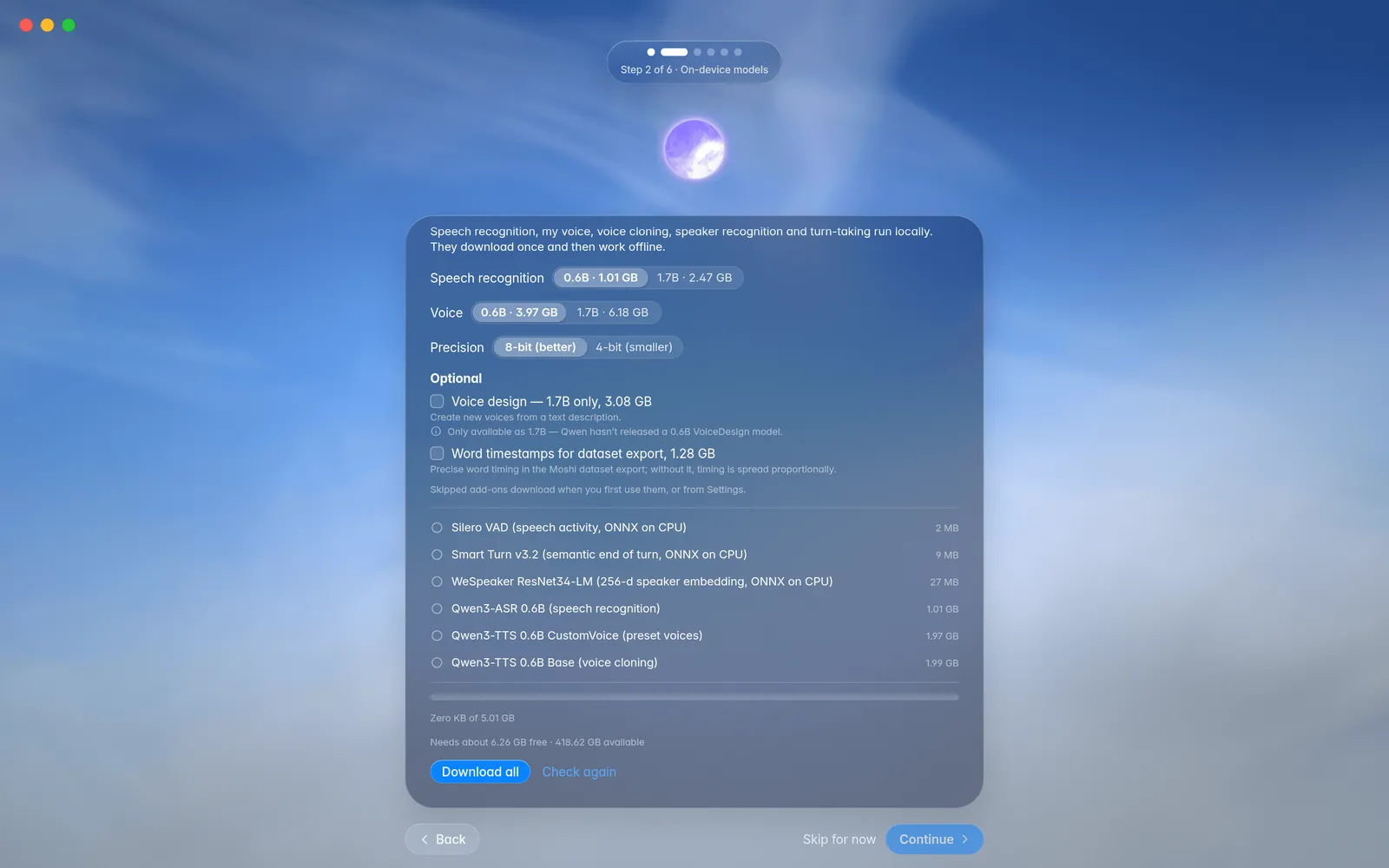
On iPhone, calls use OpenAI GPT-Live, your own compatible server or JOSIE-Voice on your Mac, and no models run on the phone. It isn't available as a download yet.
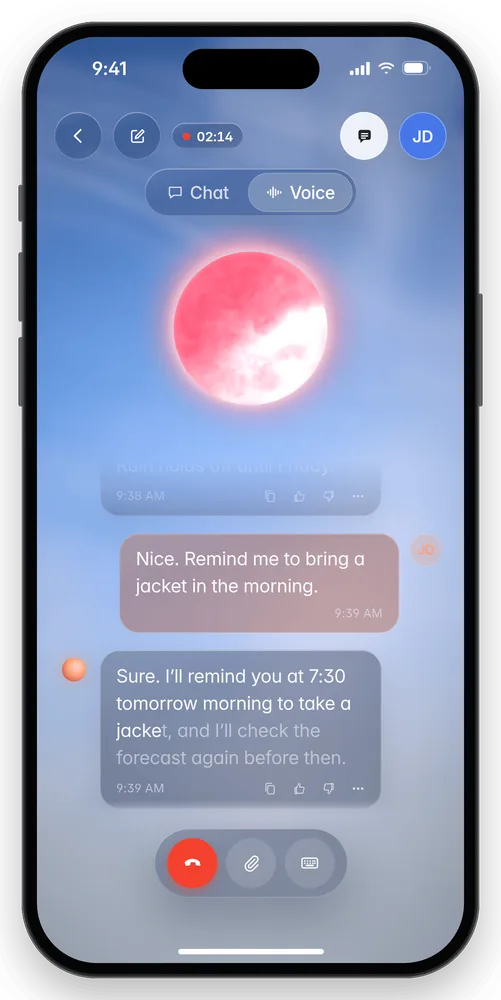
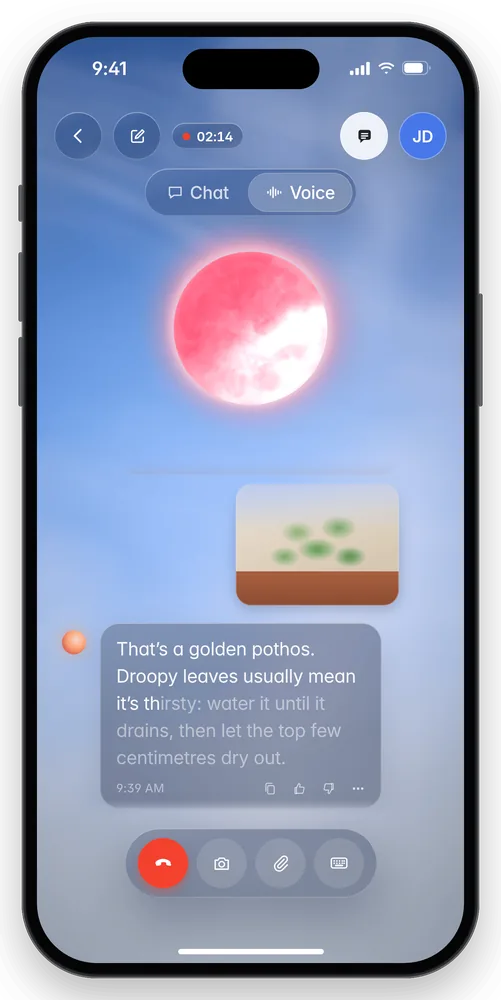
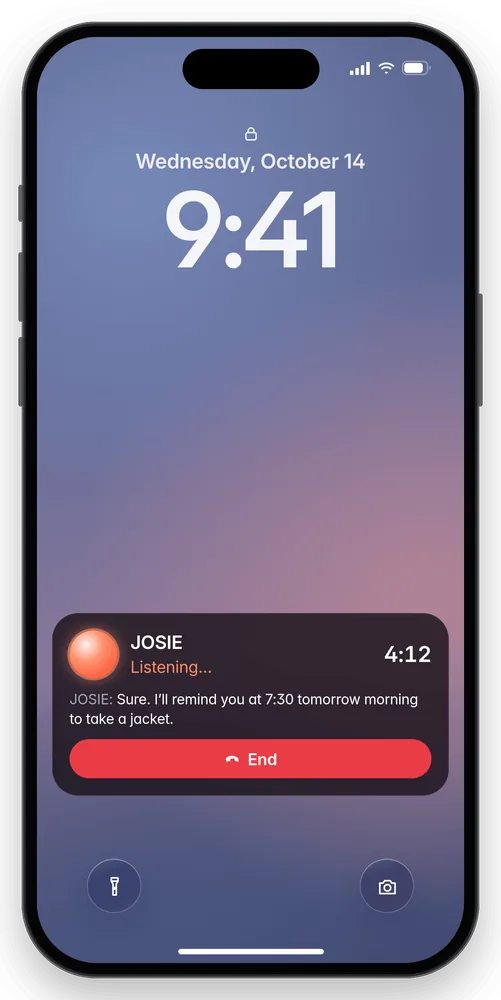
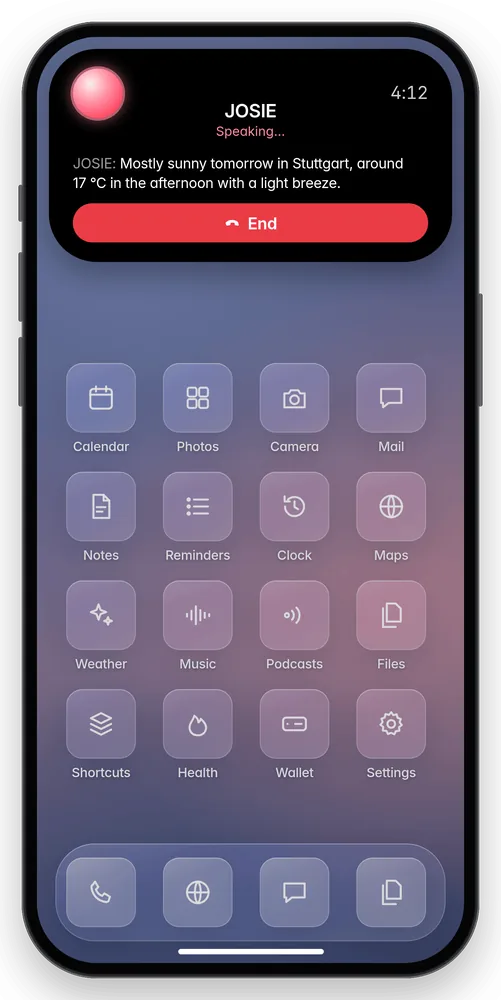
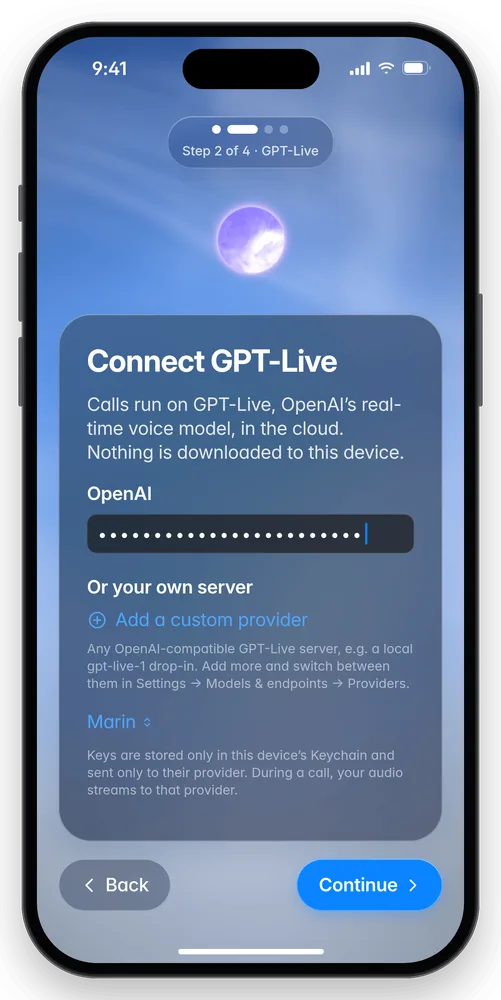
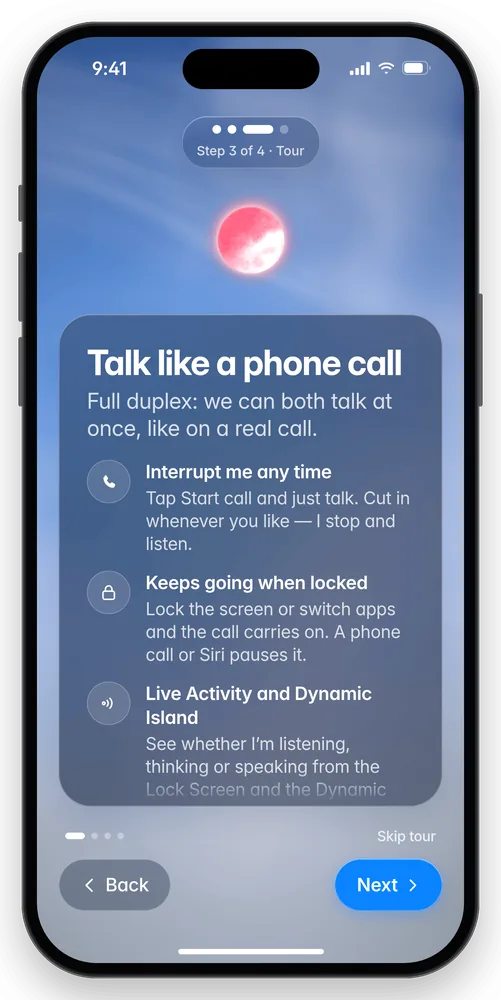
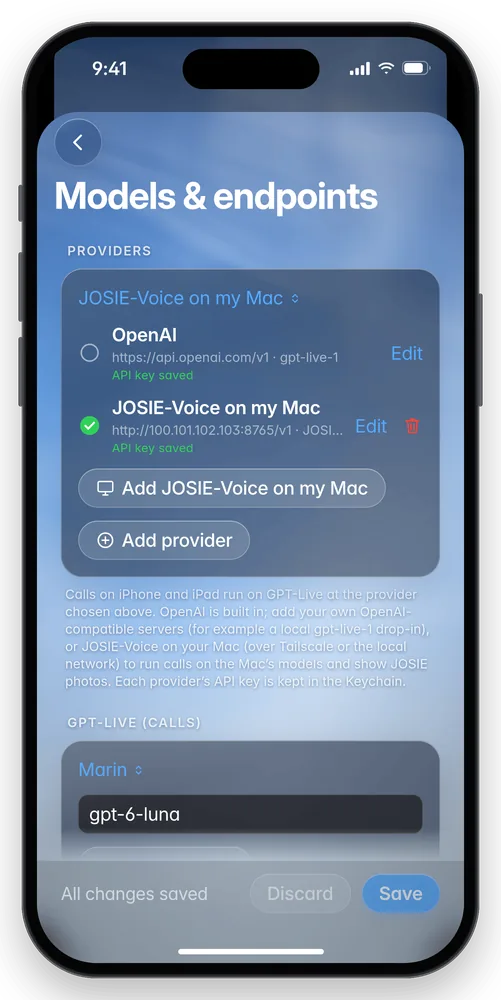
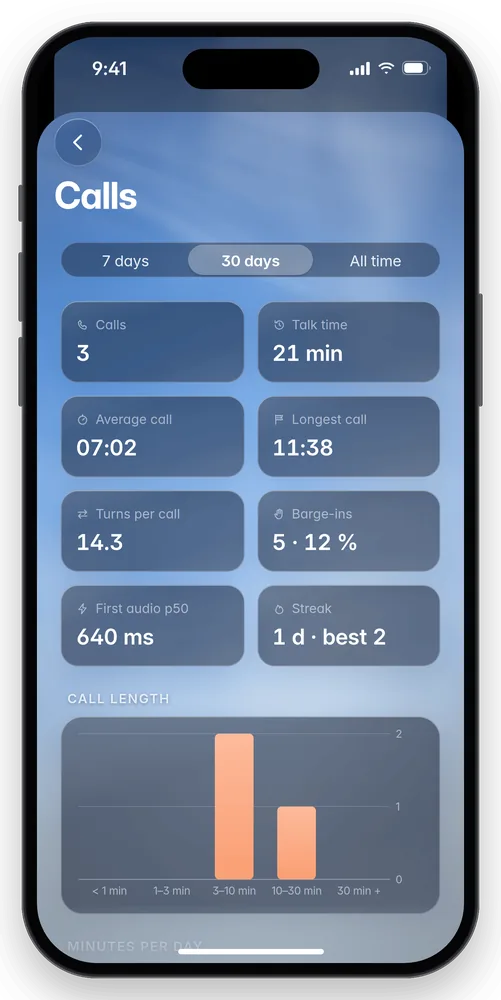
Every screenshot and clip on this page is a mockup rendered from the app's source with demo content, not a capture of a running build.
07 · Good to know
After setup, everything works offline except the language model, which runs in Ollama on your Mac.
In Settings, switch to any OpenAI-compatible service with your own key, or to Apple Intelligence on macOS 26.
Settings → Setup → Run setup again.
Turn them on one by one in Settings → Apple tools. macOS asks permission the first time each is used.
They download only if you want them: voice design (3.1 GB) and word timestamps (1.3 GB).
Dashboard → Chat counts tokens per reply. Settings → Developer → Debug overlay shows live latency on the call screen.
08 · FAQ
Yes.
No. Hearing, voice recognition and speech run on your Mac, and by default the language model (Ollama) does too. If you switch to an online model, your text goes to that service.
No.
No, Apple Silicon (M1 or later) only.
Not as a download yet. On iPhone and iPad, calls use OpenAI GPT-Live, or JOSIE-Voice on your Mac over your network or Tailscale. See the iPhone preview (mockups) ↑
Open Ollama from Applications, then click Recheck in JOSIE's setup.
Open System Settings → Privacy & Security → Microphone and turn on JOSIE-Voice.
About 5 GB of voice models plus about 1 GB for the language model, at the default small sizes.
Drag JOSIE-Voice to the Trash. To remove its data and models too, delete the JOSIE-Voice folder in ~/Library/Application Support.
09 · The JOSIE family
JOSIE-Voice comes from the JOSIE family of personality-driven language models by Gökdeniz Gülmez, trained entirely on Apple Silicon.
The latest DMG from GitHub Releases · Apple Silicon · macOS 14+